

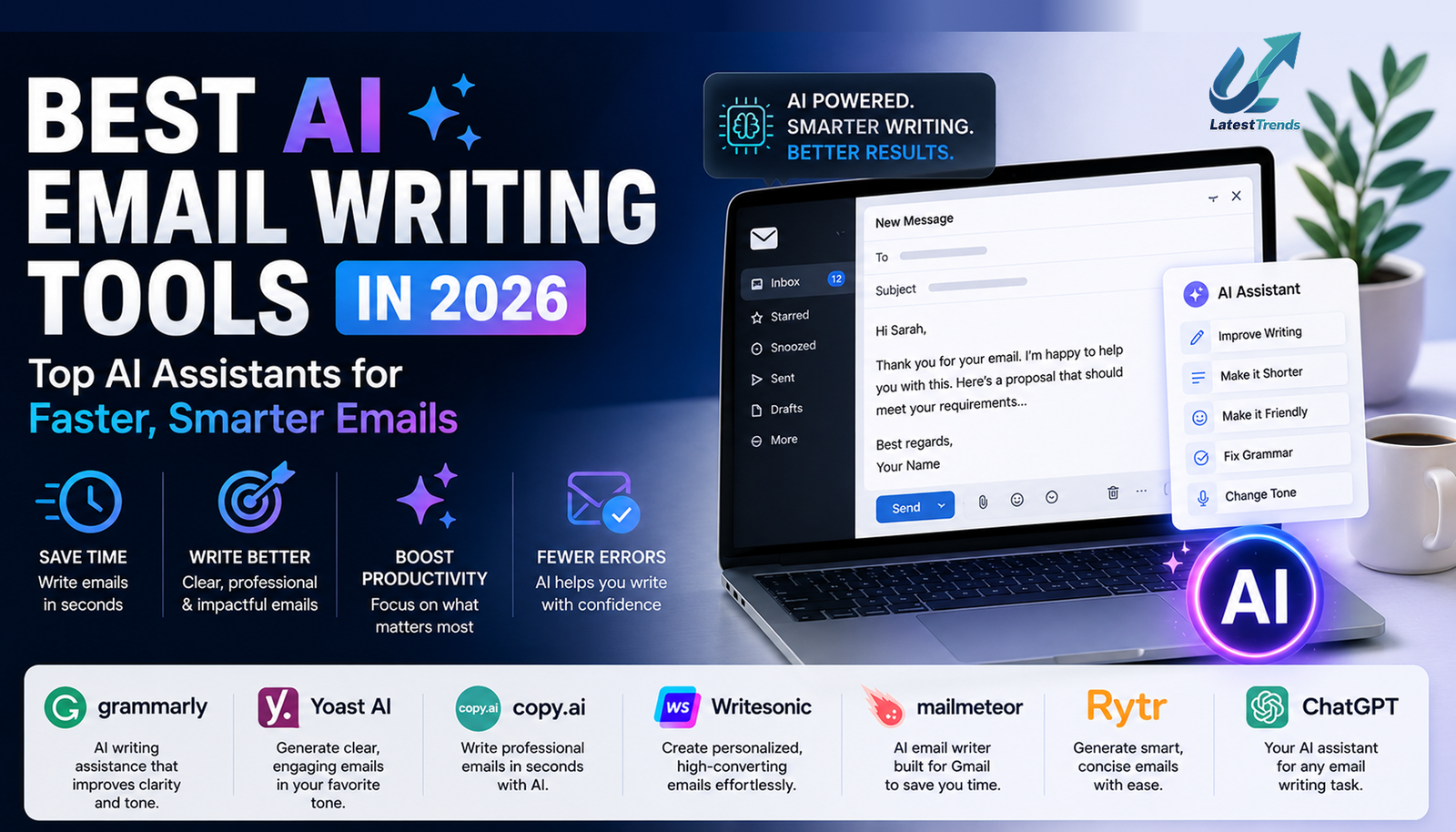
Email continues to be one of the most important communication channels for businesses, professionals, students, freelancers, and entrepreneurs. Whether you’re sending a job application, responding to a customer inquiry, following up with a client, or launching a marketing campaign, writing clear and professional emails takes time.
In 2026, Artificial Intelligence has transformed email communication. Modern AI email assistants can draft messages, improve grammar, rewrite awkward sentences, adjust tone, summarize long email threads, and even personalize outreach emails in seconds.
Instead of staring at a blank screen, wondering how to begin, you can use AI to create a polished first draft and then refine it with your own knowledge and personal touch. In this guide, we’ll compare the best AI email writing tools in 2026, covering their features, strengths, pricing options, and the types of users who benefit most from each platform.
Why Use AI for Email Writing?
Professionals send dozens—sometimes hundreds—of emails every week. Repetitive writing can become time-consuming and mentally exhausting.
AI email tools help by:
- Drafting professional emails within seconds.
- Correcting grammar and spelling mistakes.
- Improving clarity and readability.
- Adjusting tone for formal or friendly communication.
- Personalizing outreach for clients and prospects.
- Summarizing long conversations.
- Generating subject lines that encourage higher open rates.
Rather than replacing human communication, AI serves as an intelligent assistant that helps you write more efficiently while preserving your unique voice.
1. ChatGPT – Best Overall AI Email Writing Tool
Best For
- Professional emails
- Business communication
- Customer support
- Sales emails
- Job applications
- Follow-up messages
ChatGPT is one of the most versatile AI writing assistants available today. It can generate emails from simple prompts, rewrite existing drafts, translate messages, and tailor tone for different audiences.
Whether you need a formal business proposal or a friendly follow-up email, ChatGPT adapts to your requirements with ease.
Key Features
- Email drafting
- Tone customization
- Grammar improvement
- Professional rewriting
- Follow-up email creation
- Personalized responses
Pros
- Suitable for almost every email type
- Easy prompt-based workflow
- Supports multiple languages
- Excellent for both beginners and professionals
Cons
- Advanced features may require a paid subscription.
2. Google Gemini – Best for Gmail Users
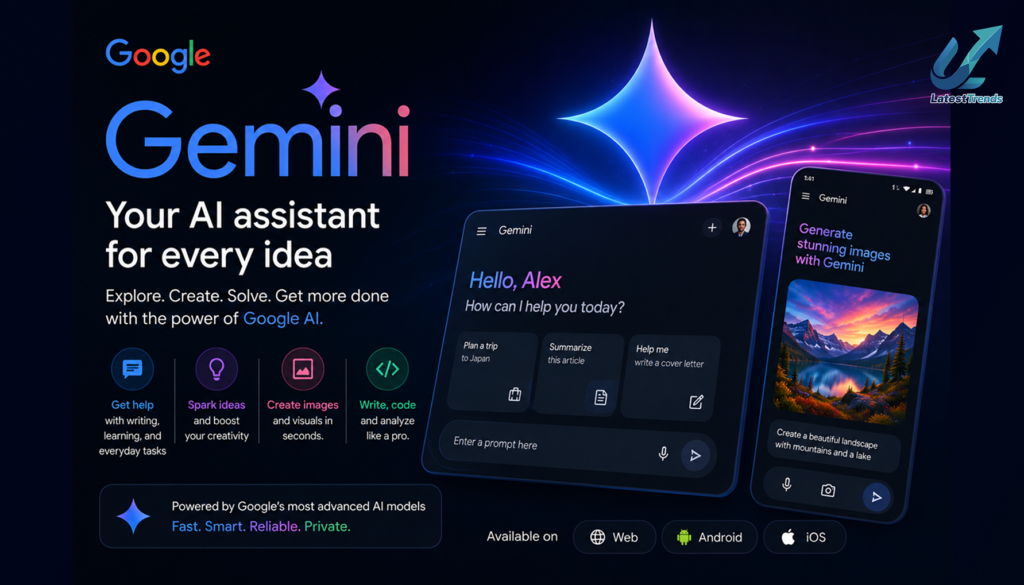
Google Gemini integrates naturally with Google Workspace, making it an excellent option for users who spend most of their day in Gmail and Google Docs.
It can help summarize email conversations, draft replies, organize information, and generate professional messages without disrupting your workflow.
Best For
- Gmail users
- Google Workspace
- Business communication
- Student emails
- Team collaboration
3. Microsoft Copilot – Best for Outlook and Microsoft 365
Microsoft Copilot enhances Outlook by assisting with email drafting, summarizing long threads, suggesting responses, and improving productivity.
Professionals working within Microsoft 365 can benefit from seamless integration across Outlook, Word, Excel, and Teams.
Best Features
- Email summaries
- Suggested replies
- Calendar integration
- Meeting preparation
- Office productivity
4. Grammarly – Best for Polishing Email Quality
Grammarly goes beyond spelling corrections by helping users improve clarity, tone, punctuation, and readability.
Its AI suggestions ensure that emails sound professional, confident, and appropriate for the intended audience.
Ideal Users
- Professionals
- Students
- Business owners
- Customer support teams
- Freelancers
5. Jasper AI – Best for Sales and Marketing Emails
Jasper AI specializes in marketing and promotional content.
Businesses use Jasper to create newsletters, email campaigns, product announcements, and sales outreach while maintaining a consistent brand voice.
Best For
- Email marketing
- Promotional campaigns
- Product launches
- Lead nurturing
- Sales outreach
6. Copy.ai – Best for Outreach Emails
Copy.ai is designed to help users write persuasive cold emails, networking messages, and follow-up sequences.
Sales teams and entrepreneurs often rely on Copy.ai to create personalized outreach at scale.
Popular Use Cases
- Cold email campaigns
- Partnership requests
- Sales prospecting
- Follow-up emails
7. HubSpot AI – Best for CRM and Customer Communication

HubSpot combines customer relationship management with AI-powered email creation.
Businesses can automate follow-ups, personalize campaigns, and track engagement from one platform.
Best For
- Customer relationship management
- Automated campaigns
- Lead communication
- Marketing teams
8. Writesonic – Best for Email Marketing Content
Writesonic includes templates for promotional emails, newsletters, onboarding sequences, and product announcements.
Its focus on marketing content makes it valuable for startups and online businesses.
9. Superhuman AI – Best for Busy Professionals
Superhuman uses AI to streamline inbox management by drafting replies, organizing conversations, and reducing the time spent handling email.
It is particularly useful for executives, founders, and professionals who receive large volumes of messages.
10. Mailchimp AI – Best for Email Campaigns
Mailchimp combines email marketing with AI-powered content suggestions.
Businesses can generate campaign copy, subject lines, and personalized recommendations while tracking performance through built-in analytics.
Best For
- Email newsletters
- Promotional campaigns
- Customer engagement
- Marketing automation
Comparison Table
| Tool | Best For | Free Plan | Business Use | Email Marketing |
|---|---|---|---|---|
| ChatGPT | Overall Email Writing | Yes | ⭐⭐⭐⭐⭐ | ⭐⭐⭐⭐ |
| Google Gemini | Gmail Users | Yes | ⭐⭐⭐⭐ | ⭐⭐⭐ |
| Microsoft Copilot | Outlook Users | Limited | ⭐⭐⭐⭐⭐ | ⭐⭐⭐ |
| Grammarly | Editing & Tone | Yes | ⭐⭐⭐⭐⭐ | ⭐⭐ |
| Jasper AI | Marketing Emails | Trial | ⭐⭐⭐⭐ | ⭐⭐⭐⭐⭐ |
| Copy.ai | Sales Outreach | Yes | ⭐⭐⭐⭐ | ⭐⭐⭐⭐ |
| HubSpot AI | CRM Emails | Limited | ⭐⭐⭐⭐⭐ | ⭐⭐⭐⭐⭐ |
| Writesonic | Marketing Content | Trial | ⭐⭐⭐⭐ | ⭐⭐⭐⭐ |
| Superhuman AI | Inbox Productivity | Trial | ⭐⭐⭐⭐ | ⭐⭐ |
| Mailchimp AI | Email Campaigns | Limited | ⭐⭐⭐⭐ | ⭐⭐⭐⭐⭐ |
Tips for Writing Better Emails with AI
AI can significantly improve productivity, but the best results come when you combine automation with human judgment.
Here are a few practical tips:
- Provide clear prompts with context about the recipient and your goal.
- Review AI-generated drafts before sending them.
- Personalize greetings and examples to build stronger relationships.
- Verify dates, prices, names, and factual information.
- Keep emails concise and focused on one main objective.
- Match the tone to your audience—formal for business communication and conversational for friendly interactions.
Using AI as a collaborative writing partner rather than a complete replacement helps maintain authenticity and trust.
Benefits of AI Email Writing Tools for Different Users
Business Owners
- Respond to customers faster.
- Create professional proposals.
- Improve communication efficiency.
Sales Teams
- Personalize cold outreach.
- Generate follow-up sequences.
- Increase response rates.
Freelancers
- Write project proposals.
- Manage client communication.
- Save time on administrative tasks.
Students
- Draft internship applications.
- Communicate with professors.
- Improve professional writing skills.
Marketing Teams
- Create newsletters.
- Build promotional campaigns.
- Personalize customer communication.
Final Verdict
AI email writing tools have become essential for professionals, entrepreneurs, students, and businesses looking to communicate more efficiently.
For all-around email writing, ChatGPT remains one of the strongest choices thanks to its flexibility and ability to adapt to different writing styles. Google Gemini and Microsoft Copilot are excellent for users already invested in Google Workspace or Microsoft 365, while Grammarly ensures polished, error-free communication. Marketing teams may benefit from Jasper AI, Copy.ai, HubSpot AI, or Mailchimp AI depending on their campaign needs.
The most effective workflow is often a combination of tools—for example, drafting an email with ChatGPT, refining the tone with Grammarly, and managing campaigns through HubSpot or Mailchimp. This balanced approach saves time while keeping communication professional and authentic.
Frequently Asked Questions (FAQ)
What is the best AI email writing tool in 2026?
ChatGPT is widely regarded as one of the best overall AI email writing tools because it can draft, rewrite, summarize, and personalize emails for a wide range of use cases.
Are AI email writing tools free?
Many platforms, including ChatGPT, Google Gemini, Grammarly, and Copy.ai, offer free plans or limited free features. Premium subscriptions unlock additional capabilities.
Can AI write professional business emails?
Yes. AI can create business proposals, customer support responses, follow-up emails, sales outreach, and internal communications. Always review the final draft to ensure it matches your intent and company policies.
Which AI tool is best for email marketing?
Jasper AI, Mailchimp AI, HubSpot AI, and Writesonic are popular choices for creating newsletters, promotional emails, and automated marketing campaigns.
Is it safe to use AI for email writing?
AI can be a valuable productivity tool, but avoid sharing sensitive or confidential information in prompts. Always verify important details before sending business-critical communications.







One Comment