
AI Coding Assistants in 2026: Smarter Programming Starts Here
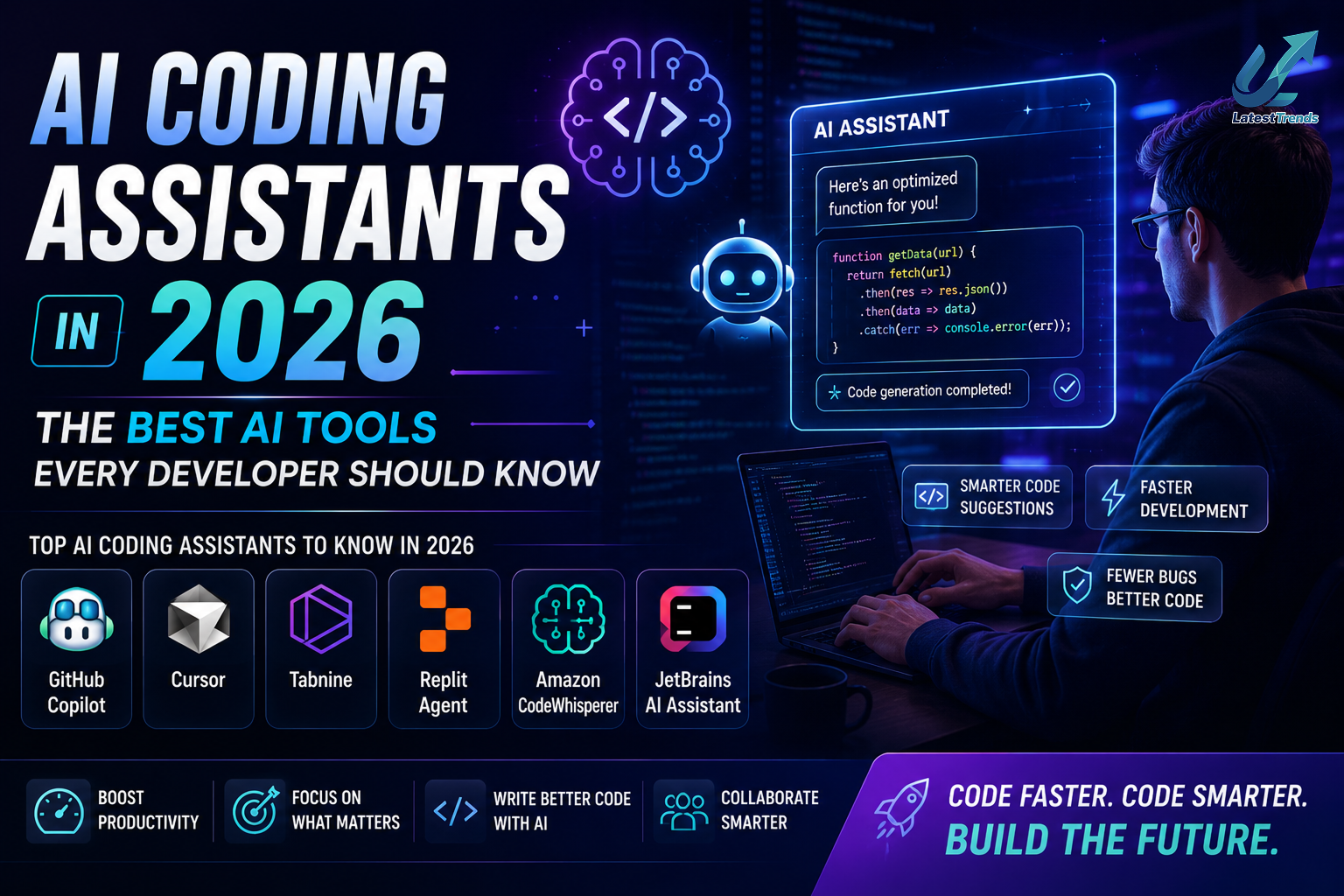
Software development has changed dramatically over the past few years. Modern developers are no longer writing every line of code from scratch. Instead, they work alongside AI coding assistants that can suggest code, identify bugs, generate documentation, explain unfamiliar functions, and even help design software architecture.
These tools are transforming the way applications are built. Whether you’re a beginner learning your first programming language, a freelance developer working on client projects, or part of a large engineering team managing complex systems, AI coding assistants can significantly improve productivity and reduce development time.
However, AI isn’t a replacement for programming knowledge. The most successful developers use AI as a collaborative partner that speeds up repetitive work while allowing them to focus on solving real problems, writing efficient algorithms, and creating better user experiences.
In this guide, we’ll compare the best AI coding assistants in 2026, explore their strengths, and help you choose the right tool for your workflow.
Why Developers Are Using AI Coding Assistants
Programming involves much more than writing code. Developers spend time reading documentation, debugging errors, reviewing pull requests, writing tests, and maintaining existing applications.
AI coding assistants reduce this workload by:
- Generating code snippets from natural language prompts.
- Explaining unfamiliar code.
- Detecting common bugs and logical mistakes.
- Suggesting improvements for readability and performance.
- Writing unit tests automatically.
- Creating technical documentation.
- Speeding up repetitive coding tasks.
As a result, developers can spend more time designing reliable software and less time on repetitive coding.
Key Benefits of AI Coding Assistants
AI-powered development tools provide advantages for developers at every experience level:
- Faster code generation
- Better code quality
- Reduced debugging time
- Easier onboarding for new developers
- Improved documentation
- Faster learning of new programming languages
- Increased productivity across development teams
For beginners, these tools also serve as interactive learning companions by explaining concepts and suggesting best practices.
1. GitHub Copilot – Best Overall AI Coding Assistant
Best For
- Professional developers
- VS Code users
- Enterprise teams
- Open-source contributors
GitHub Copilot remains one of the most widely used AI coding assistants. It integrates directly with popular code editors and provides real-time suggestions while you type.
Developers can generate complete functions, automate repetitive code, and receive intelligent recommendations based on the context of their project.
Key Features
- Real-time code completion
- Multi-language support
- Function generation
- Unit test creation
- Documentation assistance
- IDE integration
Pros
- Excellent coding accuracy
- Wide language support
- Fast suggestions
- Strong developer ecosystem
Cons
- Subscription required for full access
- AI-generated code should always be reviewed
2. ChatGPT – Best for Learning and Problem Solving
ChatGPT has become an essential programming companion for developers.
Unlike traditional autocomplete tools, ChatGPT can explain programming concepts, debug code, optimize algorithms, compare frameworks, generate documentation, and help developers understand complex error messages.
Best For
- Learning programming
- Debugging
- Algorithm explanations
- Code reviews
- Documentation
- Interview preparation
3. Google Gemini – Best for Research and Coding
Google Gemini combines coding assistance with research capabilities.
Developers use it to understand APIs, explore documentation, analyze code, and brainstorm technical solutions.
Its integration with Google’s ecosystem makes it useful for cloud development and productivity workflows.
4. Claude – Best for Large Codebases

Claude is particularly strong at understanding long files and complex software architectures.
It can analyze extensive codebases, summarize technical documents, and suggest improvements without losing context.
Ideal Users
- Enterprise developers
- Technical architects
- Engineering managers
5. Amazon Q Developer – Best for AWS Developers
Amazon Q is designed for developers building applications on Amazon Web Services.
It assists with cloud architecture, AWS documentation, security best practices, and infrastructure automation.
6. Cursor – Best AI-Powered Code Editor
Cursor combines an integrated development environment with AI-powered programming assistance.
Developers can edit, refactor, explain, and generate code without switching between multiple applications.
Best Features
- AI-powered editor
- Natural language commands
- Codebase understanding
- Fast navigation
- Smart refactoring
7. Tabnine – Best Privacy-Focused Coding Assistant
Tabnine offers AI-powered code completion while providing deployment options suitable for organizations with strict security requirements.
It is often chosen by enterprise teams concerned about code privacy.
8. Replit AI – Best for Beginners
Replit AI simplifies programming by combining coding, hosting, and AI assistance in one browser-based environment.
Students and beginners appreciate its ease of use and collaborative features.
9. Sourcegraph Cody – Best for Large Teams
Cody helps developers search, understand, and modify large repositories.
Its ability to analyze enterprise-scale projects makes it valuable for organizations managing extensive codebases.
10. Codeium – Best Free AI Coding Assistant
Codeium offers generous free features, making it an attractive choice for students, hobbyists, and independent developers.
It supports multiple programming languages and integrates with many popular IDEs.
Comparison Table
| Tool | Best For | Free Plan | IDE Support | Learning | Enterprise |
|---|---|---|---|---|---|
| GitHub Copilot | Overall Coding | Trial | ⭐⭐⭐⭐⭐ | ⭐⭐⭐⭐ | ⭐⭐⭐⭐⭐ |
| ChatGPT | Debugging & Learning | Yes | ⭐⭐⭐ | ⭐⭐⭐⭐⭐ | ⭐⭐⭐⭐ |
| Google Gemini | Research & Coding | Yes | ⭐⭐⭐ | ⭐⭐⭐⭐ | ⭐⭐⭐⭐ |
| Claude | Large Codebases | Yes | ⭐⭐⭐ | ⭐⭐⭐⭐⭐ | ⭐⭐⭐⭐⭐ |
| Amazon Q | AWS Development | Limited | ⭐⭐⭐⭐ | ⭐⭐⭐ | ⭐⭐⭐⭐⭐ |
| Cursor | AI Code Editor | Limited | ⭐⭐⭐⭐⭐ | ⭐⭐⭐⭐ | ⭐⭐⭐⭐ |
| Tabnine | Privacy | Limited | ⭐⭐⭐⭐⭐ | ⭐⭐⭐ | ⭐⭐⭐⭐⭐ |
| Replit AI | Beginners | Yes | ⭐⭐⭐ | ⭐⭐⭐⭐⭐ | ⭐⭐⭐ |
| Sourcegraph Cody | Enterprise Search | Trial | ⭐⭐⭐⭐ | ⭐⭐⭐ | ⭐⭐⭐⭐⭐ |
| Codeium | Free Coding | Yes | ⭐⭐⭐⭐⭐ | ⭐⭐⭐⭐ | ⭐⭐⭐⭐ |
How AI Coding Assistants Improve Software Development
AI coding assistants contribute throughout the software development lifecycle:
Code Generation
Developers can generate boilerplate code, API integrations, database queries, and utility functions quickly.
Debugging
AI explains error messages, identifies common issues, and suggests practical fixes.
Documentation
Many tools automatically create comments, README files, API documentation, and technical explanations.
Testing
AI can generate unit tests, integration tests, and edge-case scenarios to improve software reliability.
Learning
Students and junior developers benefit from AI explanations that clarify programming concepts and best practices.
Tips for Using AI Coding Assistants Effectively
To get the best results:
- Write clear prompts that describe the desired functionality.
- Review all AI-generated code before deployment.
- Test generated code thoroughly.
- Keep libraries and dependencies updated.
- Follow secure coding practices.
- Use AI to learn, not just to copy solutions.
- Combine AI suggestions with official documentation and peer reviews.
These habits help ensure that AI remains a productivity enhancer rather than a source of hidden bugs.
Final Verdict
AI coding assistants have become indispensable tools for modern software development. They accelerate routine tasks, improve code quality, simplify debugging, and help developers learn new technologies more efficiently.
For most developers, GitHub Copilot remains the leading choice for in-editor coding assistance. ChatGPT excels at explaining concepts and solving programming problems, Claude is ideal for large codebases, Cursor provides an AI-first editing experience, and Codeium offers impressive capabilities through its generous free plan.
Rather than relying on a single tool, many experienced developers combine multiple AI assistants—for example, using GitHub Copilot for code completion, ChatGPT for debugging, and Claude for reviewing large projects. This balanced workflow maximizes productivity while maintaining code quality and developer control.
Frequently Asked Questions (FAQ)
What is an AI coding assistant?
An AI coding assistant is software that uses artificial intelligence to help developers write, debug, review, explain, and optimize code more efficiently.
Which is the best AI coding assistant in 2026?
GitHub Copilot is widely regarded as one of the best overall AI coding assistants, while ChatGPT, Claude, Cursor, and Codeium are also excellent choices depending on your workflow.
Are AI coding assistants free?
Many platforms, including ChatGPT, Google Gemini, Claude, Replit AI, and Codeium, offer free plans or limited free features. Others provide free trials before requiring a subscription.
Can AI write complete programs?
AI can generate complete code for many common tasks, but developers should always review, test, and validate the output to ensure correctness, security, and maintainability.
Will AI replace software developers?
AI is best viewed as a productivity tool rather than a replacement for developers. Human expertise is still essential for software architecture, problem-solving, system design, security, testing, and understanding business requirements.