

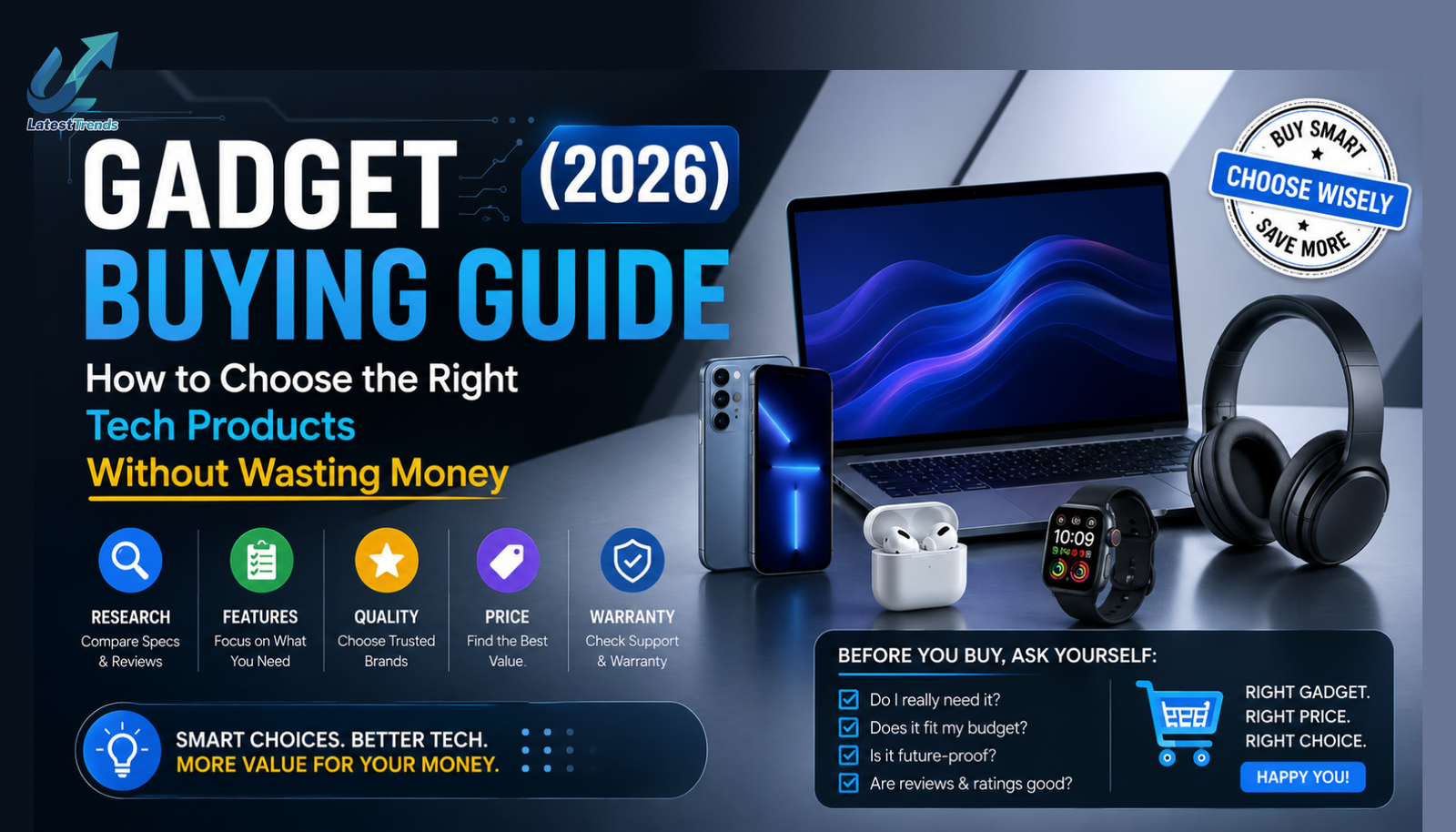
Technology is evolving faster than ever. Every year, hundreds of new smartphones, laptops, smartwatches, tablets, earbuds, gaming accessories, cameras, and smart home devices are launched with exciting features. While having more choices is great, it also makes buying the right gadget much more confusing.
Many people end up purchasing devices based on advertisements, influencer promotions, or attractive discounts without checking whether the product actually meets their needs. As a result, they spend more money than necessary or end up with a gadget that doesn’t perform as expected.
This Ultimate Gadget Buying Guide will help you make smarter purchasing decisions. Whether you’re shopping for a student laptop, a flagship smartphone, a gaming headset, or a smartwatch for fitness tracking, this guide explains what really matters before you click the Buy Now button.
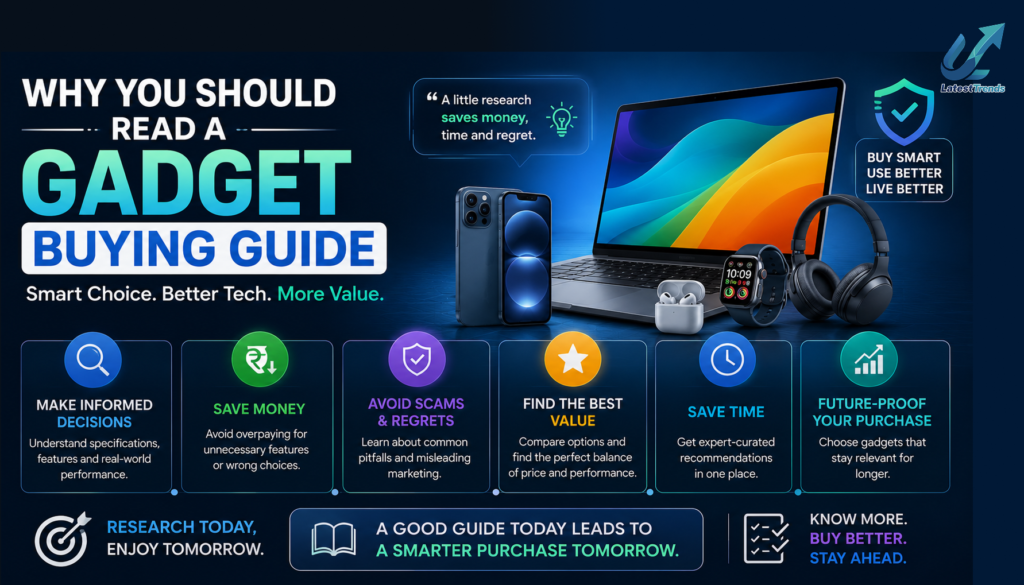
Why You Should Read a Gadget Buying Guide
A gadget is an investment. Choosing the right one can save you money, improve productivity, and provide a better user experience for years.
A good buying guide helps you:
- Avoid marketing hype
- Compare products objectively
- Understand technical specifications
- Choose the best value for your budget
- Buy devices that meet your actual needs
- Avoid outdated or overpriced products
- Make future-proof technology investments
Step 1: Identify Your Needs
The first question to ask is simple:
Why are you buying this gadget?
Different users have different priorities.
Students
Need lightweight devices, long battery life, and affordability.
Professionals
Need reliability, performance, multitasking capabilities, and security features.
Gamers
Require powerful processors, dedicated graphics, high refresh-rate displays, and efficient cooling systems.
Content Creators
Need excellent cameras, color-accurate displays, fast processors, large SSD storage, and plenty of RAM.
Travelers
Prefer compact, lightweight gadgets with long battery life and durable construction.
Buying a device that matches your daily requirements is more important than choosing the one with the highest specifications.
Step 2: Set a Realistic Budget
Before comparing products, decide how much you’re comfortable spending.
Typical gadget price ranges include:
- Budget: Under ₹10,000
- Mid-range: ₹10,000–₹30,000
- Premium: ₹30,000–₹70,000
- Flagship: ₹70,000 and above
Remember to account for accessories such as chargers, cases, screen protectors, wireless earbuds, external storage, or extended warranties if they are not included.
Step 3: Compare Specifications Carefully
Specifications are important, but they should always be evaluated in context.
Processor
The processor determines how smoothly your gadget performs everyday tasks.
Examples:
- Snapdragon, MediaTek Dimensity, Apple A-series (smartphones)
- Intel Core Ultra, AMD Ryzen AI, Apple M-series (laptops)
- Custom AI chips in premium wearables
Choose a recent-generation processor for better performance and software support.
RAM
RAM affects multitasking.
Recommended minimums:
- Smartphones: 8GB
- Laptops: 16GB
- Tablets: 8GB
Higher RAM generally improves responsiveness, especially when running multiple apps simultaneously.
Storage
Always prefer faster storage technologies.
Recommended:
- 256GB or 512GB SSD for laptops
- 128GB or more for smartphones
- Expandable storage if available
Avoid buying devices with insufficient storage if you plan to keep them for several years.
Display
Display quality greatly affects the user experience.
Look for:
- AMOLED or OLED panels
- Full HD or higher resolution
- 90Hz or 120Hz refresh rate
- High brightness for outdoor visibility
- Color accuracy, if you’re editing photos or videos
Battery Life
Long battery life reduces charging interruptions.
Look for:
- Efficient processors
- Fast charging support
- USB-C charging
- Battery optimization software
Step 4: Read Professional and User Reviews
Never rely solely on product advertisements.
Before purchasing:
- Read expert reviews
- Watch video demonstrations
- Compare benchmark results
- Check long-term user feedback
- Look for common complaints
- Verify after-sales service experiences
Balanced reviews often reveal practical strengths and weaknesses that specifications alone cannot show.
Step 5: Compare Prices Across Platforms
Prices frequently differ between online and offline retailers.
Compare:
- Official brand websites
- Amazon
- Flipkart
- Croma
- Reliance Digital
- Vijay Sales
- Local authorized retailers
Also consider exchange offers, bank discounts, cashback promotions, and student discounts where available.
Gadget Buying Tips by Category
Smartphones
Before buying a smartphone, evaluate:
- Processor performance
- Camera quality
- Software update policy
- Battery capacity
- Charging speed
- Display quality
- 5G support
- IP rating for water resistance
Laptops
Focus on:
- Latest processor generation
- Minimum 16GB RAM
- SSD storage
- Display quality
- Keyboard comfort
- Battery life
- Weight
- Warranty and service network
Smartwatches
- AMOLED display
- Health tracking accuracy
- GPS
- Bluetooth calling
- Battery life
- Water resistance
- Compatibility with your smartphone
Wireless Earbuds
- Active Noise Cancellation
- Comfortable fit
- Audio quality
- Battery life
- Fast charging
- AI-powered call microphones
- Bluetooth version
- Water resistance
Tablets
Choose based on:
- Display size
- Stylus support
- Keyboard compatibility
- Processor performance
- Battery life
- App ecosystem
Gaming Accessories
Important factors include:
- Build quality
- Ergonomics
- RGB customization (if desired)
- Latency
- Sensor accuracy (for mice)
- Mechanical switches (for keyboards)
- Comfort during long gaming sessions
Common Mistakes to Avoid
Many buyers regret their purchase because of avoidable mistakes.
Avoid:
- Buying solely because of discounts
- Ignoring software support
- Choosing outdated hardware
- Overpaying for features you won’t use
- Skipping warranty information
- Ignoring repair costs
- Buying from unauthorized sellers
- Not comparing competing products
Best Time to Buy Gadgets in India
Planning your purchase around major sales can help you save money.
Popular shopping periods include:
- Amazon Great Indian Festival
- Flipkart Big Billion Days
- Republic Day Sales
- Independence Day Sales
- Diwali Sales
- New Year Offers
- Back-to-School Promotions
These events often include bank offers, exchange bonuses, and bundle deals.
Should You Buy an Extended Warranty?
An extended warranty may be worthwhile for expensive gadgets such as laptops, premium smartphones, cameras, and gaming consoles.
It can provide additional protection against manufacturing defects after the standard warranty expires, though accidental damage coverage varies by provider.
Final Verdict
Buying a gadget should never be an impulse decision. Take time to understand your needs, set a budget, compare specifications, read trusted reviews, and evaluate long-term value rather than focusing only on headline features.
Whether you’re purchasing a smartphone, laptop, smartwatch, tablet, or gaming accessory, the best gadget is the one that fits your lifestyle, budget, and future requirements. A little research today can save money and prevent disappointment later.
By following the tips in this guide, you’ll be well-equipped to make informed decisions and choose technology that delivers lasting value.
Frequently Asked Questions (FAQs)
What should I check before buying a gadget?
Check the processor, RAM, storage, display, battery life, software support, warranty, and customer reviews. Compare prices across trusted retailers before making a purchase.
Is it better to buy gadgets online or offline?
Both have advantages. Online stores often provide competitive pricing and a wider selection, while offline retailers let you experience the product before buying and may offer instant assistance.
How important are software updates?
Very important. Regular software and security updates improve device performance, protect against vulnerabilities, and extend the useful life of your gadget.
Should I buy the latest model?
Not always. Previous-generation models can offer excellent value if they still receive software updates and meet your performance requirements.
How can I save money when buying gadgets?
Compare prices, wait for major sales, use exchange offers or bank discounts, and avoid paying extra for features you don’t need.









One Comment