
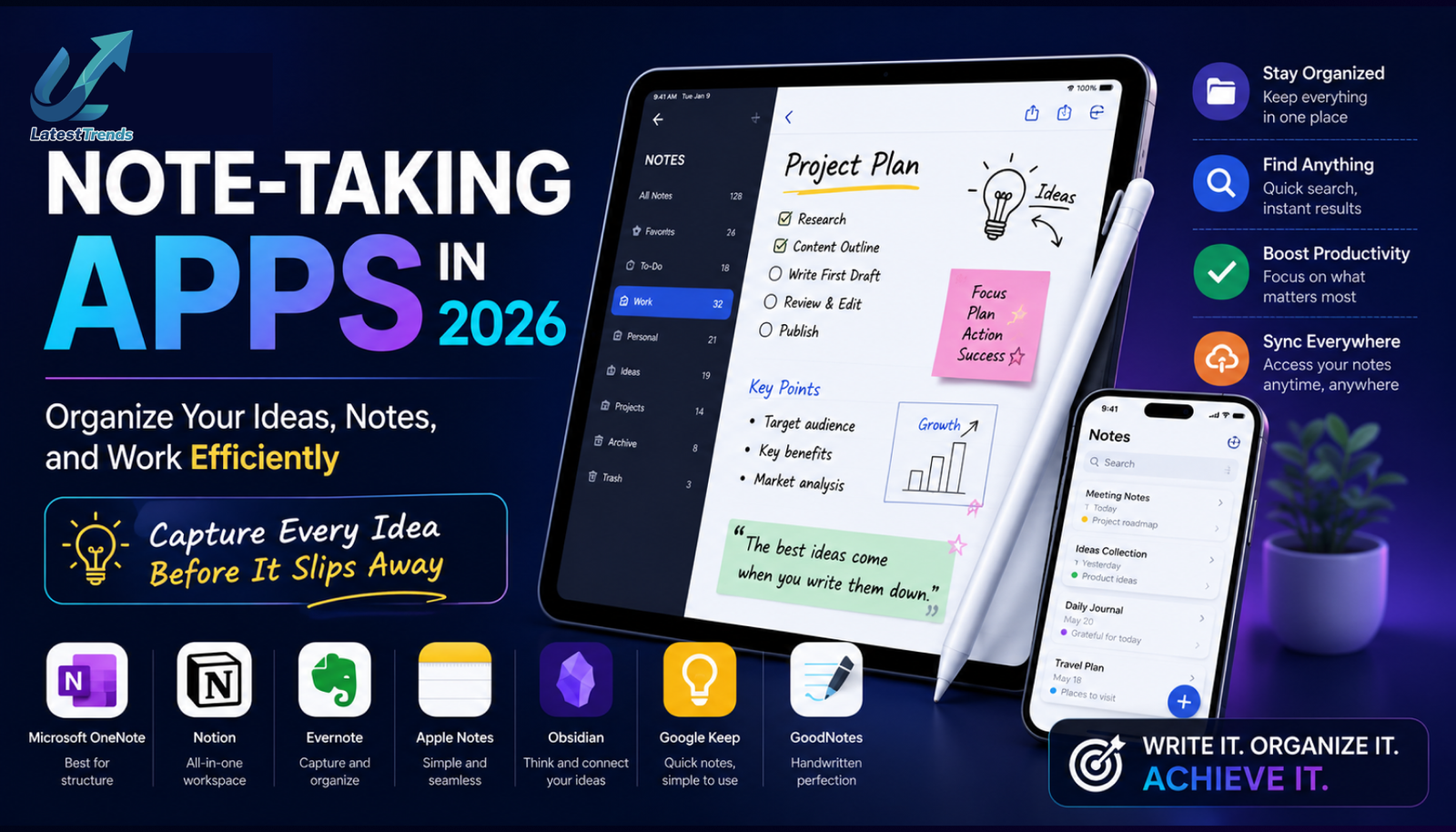
Ideas can appear at any moment—during a meeting, while traveling, in a classroom, or even in the middle of the night. Having a reliable Note-Taking Apps ensures you never lose valuable information. Whether you’re a student organizing lecture notes, a professional managing projects, a writer collecting ideas, or an entrepreneur planning your next business move, the right app can make your life much more organized.
Today’s note-taking apps are far more than digital notebooks. They include AI-powered writing assistance, cloud synchronization, handwriting recognition, document scanning, collaboration tools, task management, and multimedia support. Many even connect seamlessly with calendars, project management software, and cloud storage services.
In this detailed guide, we’ll explore the best note-taking apps in 2026, highlighting their features, advantages, and ideal use cases to help you choose the one that best matches your workflow.
Why Note-Taking Apps Are Essential
Writing ideas on paper can be effective, but digital note-taking provides flexibility and convenience. Modern apps allow you to search thousands of notes instantly, access information from multiple devices, and collaborate with others in real time.
Benefits of Digital Note-Taking Apps
- Access notes from anywhere
- Automatic cloud backup
- Fast keyword search
- Add images, audio, PDFs, and videos
- Organize information with folders and tags
- Collaborate with classmates or colleagues
- Sync across smartphones, tablets, and computers
- Reduce paper clutter
- Improve productivity and organization
A well-organized digital notebook can save hours of searching and help you stay focused on what matters most.
1. Notion – The Ultimate All-in-One Workspace
Best For
- Students
- Entrepreneurs
- Teams
- Project management
- Personal knowledge management
Notion is much more than a note-taking app. It combines notes, databases, task management, calendars, wikis, and collaboration into a single workspace.
Key Features
- Rich text editor
- AI writing assistant
- Tables and databases
- Project dashboards
- Templates
- Real-time collaboration
- Cross-platform sync
- Calendar integration
Pros
- Highly customizable
- Excellent organization tools
- Powerful AI capabilities
- Ideal for both personal and business use
Cons
- New users may need some time to learn advanced features.
2. Microsoft OneNote – The Digital Notebook
Best For
- Students
- Teachers
- Office users
- Researchers
OneNote organizes notes into notebooks, sections, and pages, making it feel similar to a traditional notebook while offering powerful digital capabilities.
Features
- Handwritten notes
- Audio recording
- Drawing tools
- PDF annotation
- Office integration
- Cloud synchronization
Why Choose OneNote?
It is perfect for users who prefer structured notebooks and need deep integration with Microsoft Office.
3. Google Keep – Simple and Fast
Best For
- Quick notes
- Shopping lists
- Daily reminders
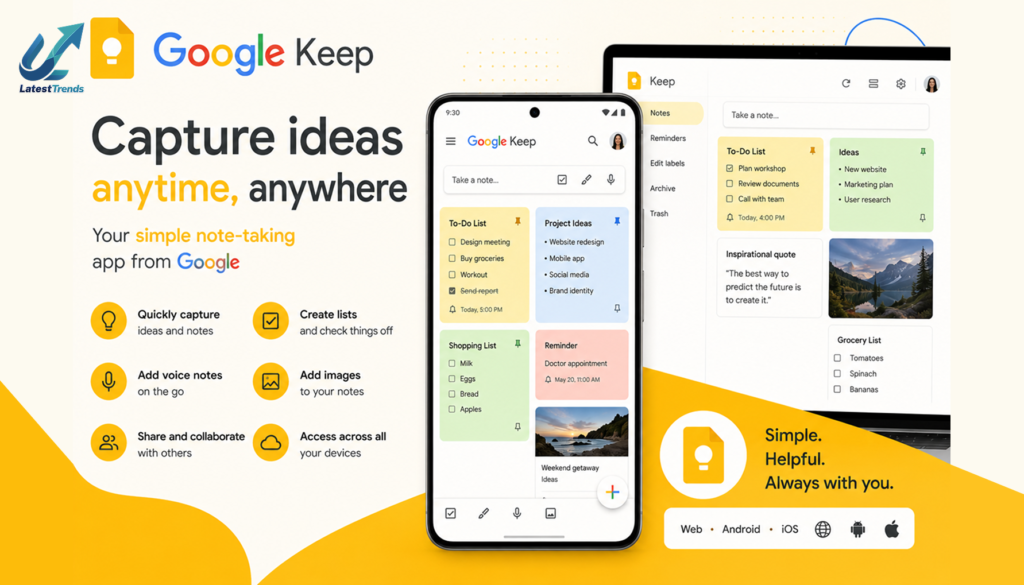
Google Keep focuses on speed and simplicity. You can instantly create text notes, voice recordings, checklists, and image notes.
Features
- Voice notes
- Labels
- Color coding
- Reminders
- Widget support
- Google account sync
Advantages
Ideal for users who need a lightweight note-taking solution without unnecessary complexity.
4. Evernote – Organize Everything
Best For
- Professionals
- Researchers
- Business users
Evernote has long been recognized as one of the most powerful note-taking platforms available.
Features
- Web clipping
- Document scanning
- Task management
- Calendar integration
- AI-powered search
- PDF annotation
Why It Stands Out
Its ability to collect information from websites, documents, emails, and images makes it an excellent research tool.
5. Obsidian – Build Your Knowledge Base
Best For
- Writers
- Developers
- Researchers
- Knowledge management
Obsidian stores notes as Markdown files and allows users to create connections between ideas through linked notes.
Features
- Graph view
- Backlinks
- Offline storage
- Plugin ecosystem
- Daily notes
- Markdown editor
Best Feature
Its visual knowledge graph helps users discover relationships between notes and ideas.
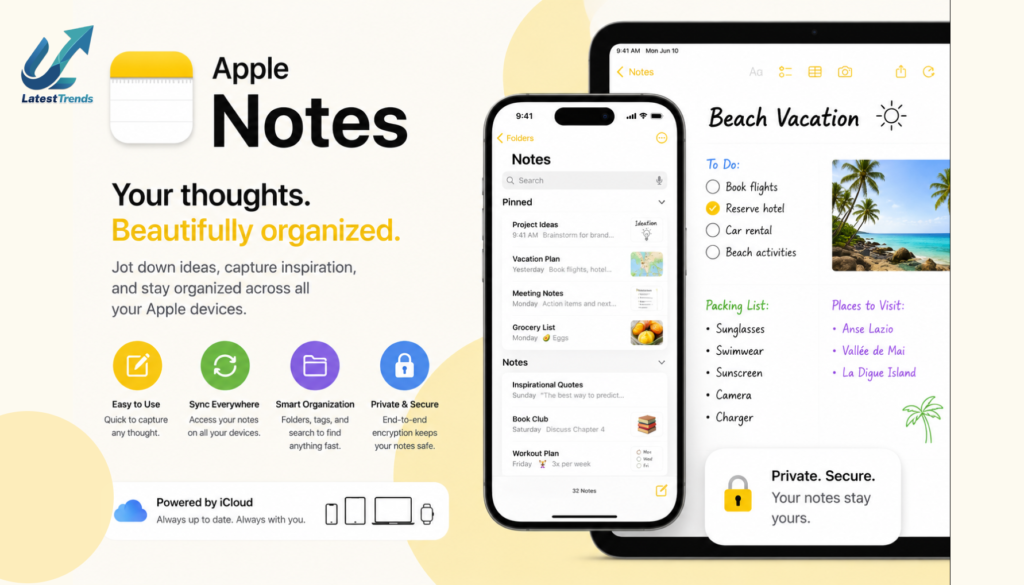
6. Apple Notes – one of the Best Note-Taking Apps
Best For
- Apple users
- Students
- Personal organization
Apple Notes has evolved into a feature-rich note-taking application.
Features
- Handwriting support
- Smart folders
- Tags
- Password protection
- Document scanning
- Collaboration
It works seamlessly across iPhone, iPad, and Mac devices.
7. Simplenote – Distraction-Free Writing
Best For
- Writers
- Bloggers
- Journal keeping
Simplenote offers exactly what its name suggests: a clean and distraction-free environment.
Features
- Instant sync
- Markdown support
- Version history
- Tags
- Cross-platform compatibility
Why Choose It?
Perfect for users who value speed and simplicity over advanced formatting.
8. Zoho Notebook
Best For
- Creative professionals
- Personal organization
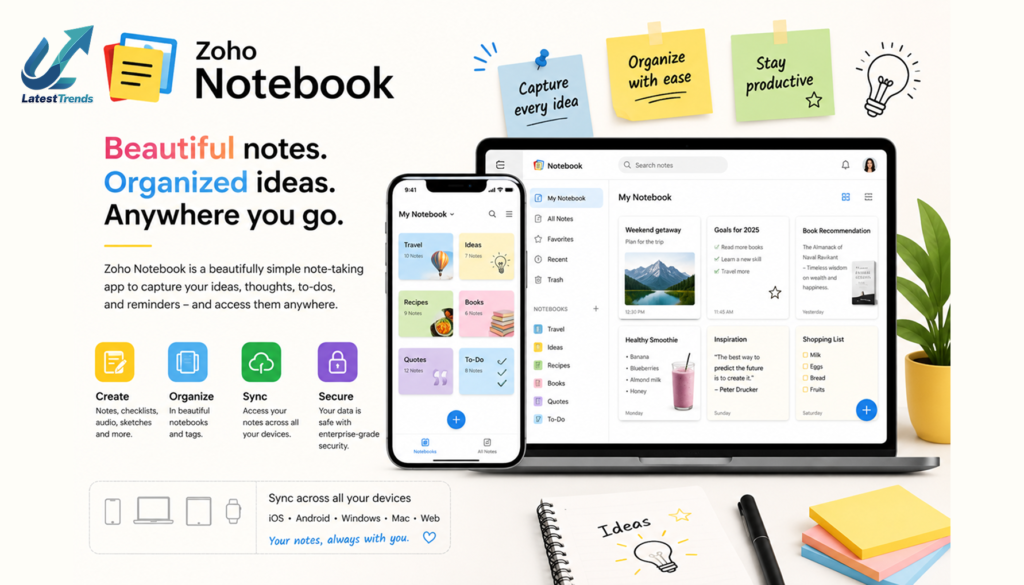
Zoho Notebook presents notes as visually appealing cards, making organization enjoyable.
Features
- Audio notes
- Sketch cards
- File attachments
- Checklists
- Cloud sync
Highlights
The intuitive design and attractive interface make it an excellent alternative to traditional note apps.
9. Joplin – Open-Source Privacy
Best For
- Privacy-focused users
- Developers
- Offline note-taking
Joplin is a free, open-source application emphasizing data ownership and security.
Features
- End-to-end encryption
- Markdown support
- Offline mode
- Web clipper
- Cross-platform sync
Advantages
Ideal for users who prioritize privacy and prefer open-source software.
10. UpNote – Beautiful and Lightweight
Best For
- Daily journaling
- Students
- Professionals
UpNote combines elegant design with practical features.
Features
- Rich text formatting
- Notebook organization
- Focus mode
- Secure locking
- Cross-device synchronization
Why Users Like It
It offers a polished writing experience without overwhelming users with unnecessary complexity.
Comparison Table of Note-Taking Apps
| App | Best For | AI Features | Handwriting | Cloud Sync | Platforms |
|---|---|---|---|---|---|
| Notion | All-in-One Workspace | Yes | No | Yes | Android, iOS, Windows, Mac, Web |
| OneNote | Students & Professionals | Limited | Yes | Yes | Android, iOS, Windows, Mac, Web |
| Google Keep | Quick Notes | No | Basic | Yes | Android, iOS, Web |
| Evernote | Research | Yes | Limited | Yes | Android, iOS, Windows, Mac, Web |
| Obsidian | Knowledge Management | Plugin-Based | No | Optional | Android, iOS, Windows, Mac, Linux |
| Apple Notes | Apple Users | Limited | Yes | Yes | iPhone, iPad, Mac |
| Simplenote | Writers | No | No | Yes | Android, iOS, Windows, Mac, Linux |
| Zoho Notebook | Personal Notes | No | Yes | Yes | Android, iOS, Windows, Mac, Web |
| Joplin | Privacy | No | Limited | Optional | Android, iOS, Windows, Mac, Linux |
| UpNote | Everyday Notes | No | Limited | Yes | Android, iOS, Windows, Mac |
How to Choose the Right Note-Taking Apps
Selecting the best app depends on your daily needs and work style.
Choose Notion if:
- You need project management and note-taking together.
- You collaborate with teams.
- You want AI-powered productivity features.
Choose OneNote if:
- You use Microsoft Office.
- You take handwritten notes.
- You manage large notebooks.
Choose Google Keep if:
- You need quick reminders.
- You prefer a simple interface.
- You mainly use Android devices.
Choose Evernote if:
- You perform extensive research.
- You save web articles.
- You organize documents frequently.
Choose Obsidian if:
- You build a personal knowledge base.
- You enjoy linking ideas.
- You work offline often.
Tips for Better Digital Note-Taking Apps
Even the best app is only as effective as your note-taking habits. Consider these strategies:
- Use descriptive titles for every note.
- Organize notes into folders or notebooks.
- Apply tags consistently for easy searching.
- Review and update important notes regularly.
- Add images, links, and attachments where useful.
- Create templates for recurring meeting notes.
- Back up important information.
- Archive outdated notes to reduce clutter.
Building a consistent note-taking system will make it easier to find information when you need it.
The Future of Note-Taking Apps
Artificial Intelligence is transforming note-taking. Future applications will automatically summarize meetings, generate action items, organize notes intelligently, recommend related information, and even answer questions based on your saved knowledge.
Voice recognition, handwriting analysis, smart search, and AI assistants will continue to make digital note-taking faster and more intuitive.
Frequently Asked Questions (FAQs)
Which is the best free note-taking app?
Google Keep, Microsoft OneNote, Joplin, and Zoho Notebook all offer generous free features suitable for most users.
Which app is best for students?
Which app is best for professionals?
Evernote, Notion, and Obsidian are ideal for managing projects, research, and business documentation.
Are cloud-based note-taking apps safe?
Most leading apps use strong encryption and secure cloud infrastructure. Enabling two-factor authentication and using strong passwords adds an extra layer of protection.
Final Thoughts
Choosing the best note-taking app depends on your personal workflow, preferred devices, and productivity goals. Some users need a simple app for reminders, while others require a comprehensive workspace for projects, research, and collaboration.
If you’re looking for an all-in-one productivity platform, Notion is an outstanding option. Microsoft OneNote is excellent for structured notebooks and Office users, Google Keep shines for quick notes, Evernote remains a favorite for research, and Obsidian is ideal for building a connected knowledge base.
Experiment with one or two apps, develop a consistent organization system, and you’ll quickly discover how digital note-taking can improve productivity, creativity, and information management.