

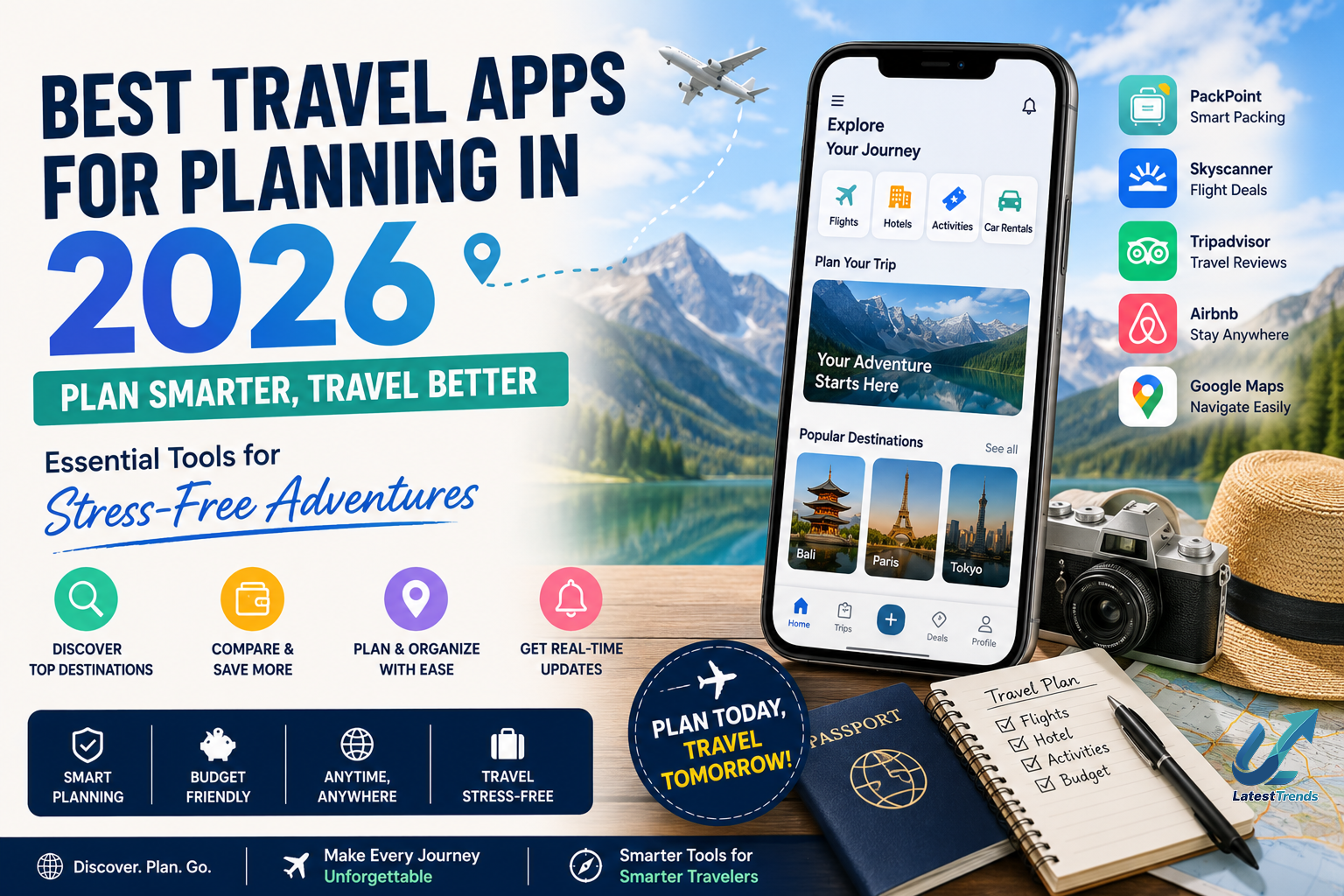
Planning a trip has never been easier. Whether you’re preparing for a weekend getaway, a family vacation, an international holiday, a business trip, or a backpacking adventure, the right travel apps can save time, reduce costs, and eliminate unnecessary stress.
Today’s travel apps do much more than book flights and hotels. They can organize your itinerary, monitor flight prices, translate foreign languages, navigate unfamiliar streets, manage travel budgets, store digital boarding passes, recommend local attractions, and even work offline when you don’t have internet access.
In this complete guide, we’ll explore the best travel apps for planning in 2026, highlighting their features, advantages, and ideal use cases so you can travel with confidence.
Why Travel Apps for Planning Matter
A successful trip starts with good planning. Instead of juggling multiple websites, printed tickets, handwritten notes, and scattered emails, travel apps bring everything together in one convenient place.
Benefits of Using Travel Planning Apps
- Organize complete travel itineraries
- Compare flight and hotel prices
- Track travel expenses
- Discover attractions and restaurants
- Navigate unfamiliar destinations
- Store tickets and reservations digitally
- Receive real-time travel alerts
- Access maps without an internet connection
- Save time and reduce travel stress
Whether you’re traveling solo or with family, these apps simplify every stage of your journey.
1. Google Maps – The Ultimate Navigation Companion
Best For
- Navigation
- Local discovery
- Offline maps
- Road trips
Google Maps remains one of the most valuable travel apps available.
Key Features
- Turn-by-turn navigation
- Live traffic updates
- Offline maps
- Public transport directions
- Restaurant reviews
- Street View
- Nearby attractions
Why Travelers Love It
From locating hidden cafés to finding the fastest driving route, Google Maps is indispensable for both domestic and international travel.
2. Google Travel – Plan Your Entire Trip
Best For
- Trip organization
- Vacation planning
- Itinerary management
Google Travel automatically organizes your travel bookings using your Gmail account and helps build a complete itinerary.
Features
- Hotel recommendations
- Destination guides
- Travel timelines
- Reservation tracking
- Attraction suggestions
- Weather information
It acts as a centralized dashboard for your travel plans.
3. TripIt – Keep Every Booking in One Place
Best For
- Frequent travelers
- Business trips
- Family vacations
TripIt automatically creates detailed travel itineraries from your booking confirmation emails.
Features
- Flight tracking
- Hotel reservations
- Car rental management
- Calendar sync
- Offline itinerary access
No more searching through dozens of emails for reservation details.
4. Skyscanner – Find Affordable Flights
Best For
- Budget travelers
- International trips
- Flexible travel dates
Skyscanner compares prices from airlines and travel agencies to help users find competitive flight deals.
Features
- Price alerts
- Flexible search options
- Flight comparisons
- Hotel search
- Car rentals
Money-Saving Tip
Use the “whole month” search feature to identify the cheapest travel dates.
5. Booking.com – Hotels, Apartments & More
Best For
- Accommodation booking
- Last-minute reservations
- Family travel
Booking.com offers millions of accommodation options worldwide.
Features
- Hotels
- Apartments
- Villas
- Guest houses
- Free cancellation on many listings
- Verified guest reviews
Its extensive inventory makes it suitable for nearly every type of traveler.
6. Airbnb – Unique Stays Around the World
Best For
- Long vacations
- Group travel
- Local experiences
Airbnb allows travelers to book unique homes, apartments, cabins, and experiences hosted by local residents.
Features
- Entire homes
- Private rooms
- Local experiences
- Flexible search filters
- Long-term stay discounts
It’s an excellent option for travelers seeking more personalized accommodations.
7. Rome2Rio – Plan Multi-Transport Journeys
Best For
- International travel
- Complex routes
- Backpacking trips
Rome2Rio shows multiple transportation options between destinations.
Features
- Flights
- Trains
- Buses
- Ferries
- Ride-sharing
- Walking routes
This makes it easier to compare travel times and costs.
8. XE Currency – Currency Conversion Made Easy
Best For
- International travelers
- Business trips
Understanding exchange rates helps travelers manage expenses more effectively.
Features
- Live exchange rates
- Offline currency conversion
- Historical charts
- Multiple currency support
It’s especially useful when comparing prices while shopping abroad.
9. PackPoint – Smart Packing Lists
Best For
- Vacation planning
- Business travel
- Family trips
PackPoint creates personalized packing lists based on your destination, travel dates, and planned activities.
Features
- Weather-based recommendations
- Activity-specific packing
- Checklist management
- Shareable lists
This reduces the chances of forgetting essential items.
10. Google Translate – Break Language Barriers
Best For
- International travel
- Communication
- Translation
Google Translate makes communication much easier when visiting countries where you don’t speak the local language.
Features
- Text translation
- Voice translation
- Camera translation
- Offline language packs
- Conversation mode
Travelers can instantly translate menus, signs, and conversations.
Bonus Apps Every Traveler Should Install
In addition to the apps above, these tools can make your journey even smoother:
AccuWeather
Check accurate weather forecasts before and during your trip.
Splitwise
Track and divide travel expenses among friends or family.
Uber
Book rides quickly in supported cities around the world.
Spotify
Download playlists for offline listening during flights or road trips.
Google Photos
Automatically back up travel memories and organize photos using AI-powered search.
How to Choose the Right Travel Apps
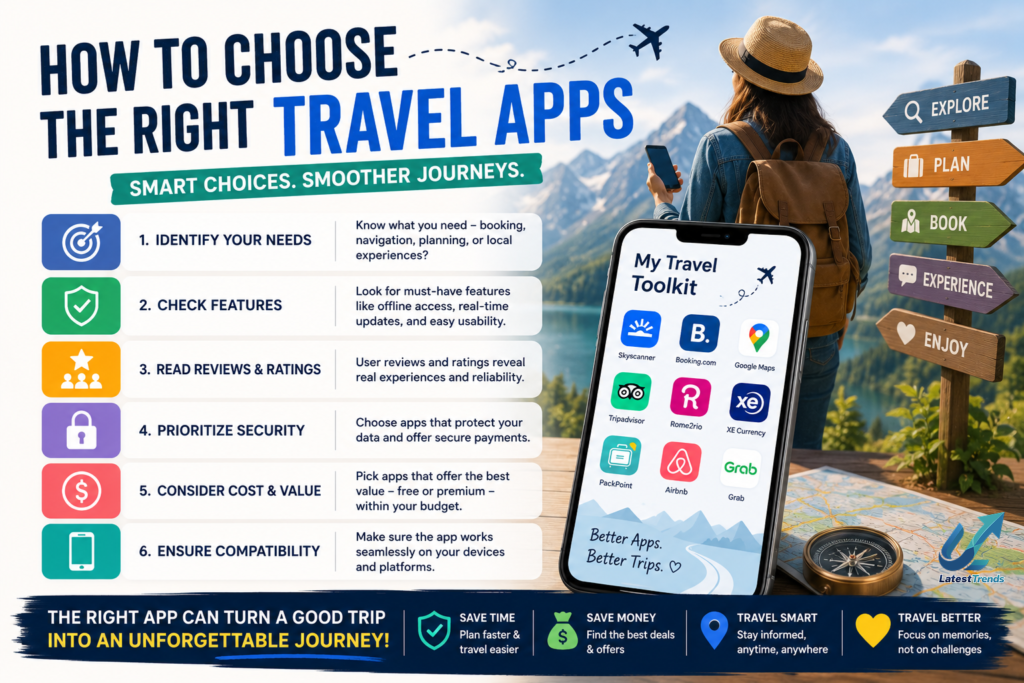
Different travelers have different needs. Consider the following before downloading apps:
- Your destination (domestic or international)
- Internet availability
- Budget
- Preferred accommodation type
- Group or solo travel
- Transportation needs
- Language support
- Offline functionality
Choosing a small set of reliable apps often provides a better experience than installing dozens of overlapping tools.
Practical Travel Planning Tips
- Book flights several weeks in advance when possible.
- Save offline maps before leaving home.
- Keep digital and printed copies of important documents.
- Monitor flight status regularly.
- Enable notifications for gate changes and delays.
- Carry a portable power bank for your smartphone.
- Organize bookings in one itinerary app.
- Learn a few common phrases if traveling internationally.
- Inform your bank before using cards abroad when required.
Good preparation can prevent many common travel problems.
The Future of Travel Planning Apps
Artificial Intelligence is changing the travel industry rapidly. Modern travel apps now recommend personalized itineraries, estimate travel costs, suggest attractions based on your interests, optimize routes, and provide real-time travel assistance.
Future travel apps are expected to integrate AI trip planning, voice assistants, augmented reality navigation, and smarter travel recommendations, making every journey more personalized and efficient.
Frequently Asked Questions (FAQs)
Which is the best free travel planning app?
Google Maps, Google Travel, TripIt, and PackPoint all offer excellent free features for organizing trips.
Which app is best for booking flights?
Skyscanner is widely used to compare flight prices and discover affordable travel options.
Which travel app works offline?
Google Maps (offline maps), Google Translate (downloaded languages), XE Currency, and TripIt provide useful offline functionality.
Which travel app is best for family vacations?
Booking.com, Google Travel, PackPoint, and Google Maps are particularly helpful for organizing family trips.
Final Thoughts
Travel planning doesn’t have to be stressful. With the right combination of apps, you can organize itineraries, book accommodations, navigate unfamiliar destinations, manage expenses, and communicate confidently wherever you go.
A practical travel toolkit could include Google Maps for navigation, Google Travel for itinerary management, TripIt for booking organization, Skyscanner for flight searches, Booking.com or Airbnb for accommodations, PackPoint for packing lists, XE Currency for exchange rates, and Google Translate for language assistance.
Technology can’t replace the excitement of discovering new places, but it can make every journey smoother, safer, and more enjoyable. Explore these travel apps before your next adventure and travel with greater confidence.