

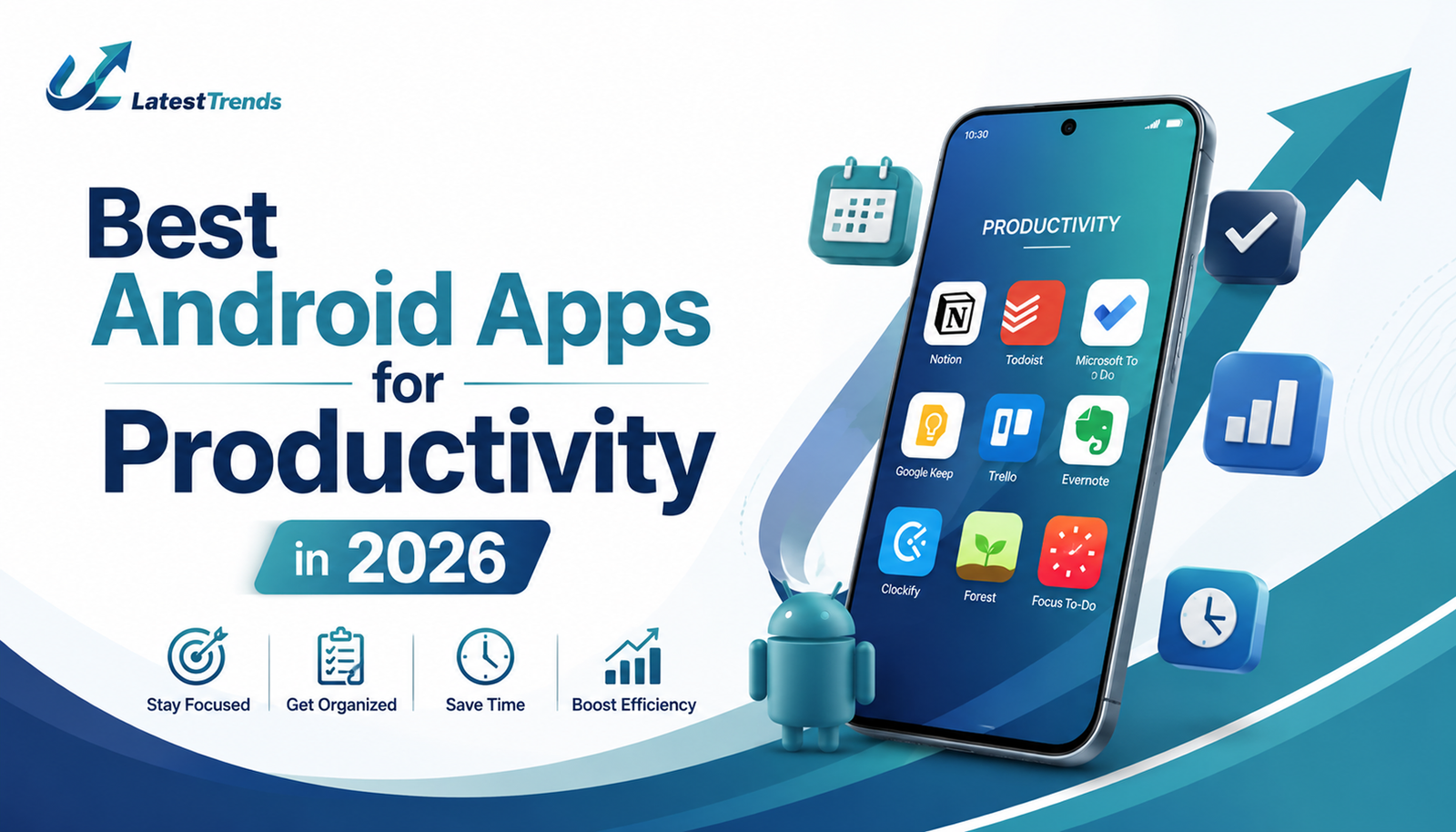
In today’s fast-paced digital world, productivity is no longer just about working harder—it’s about working smarter. Whether you’re a student, entrepreneur, freelancer, remote worker, or corporate professional, having the right Android apps can significantly improve your efficiency and help you accomplish more in less time.
The Google Play Store offers thousands of productivity applications, but not all of them provide real value. Some apps help you manage tasks, while others improve focus, organize notes, automate workflows, or streamline team collaboration.
In this comprehensive guide, we’ll explore the best Android apps for productivity in 2026 that can transform the way you work, learn, and manage your daily life.
Why Productivity Apps Matter More Than Ever
Modern life comes with endless distractions. Social media notifications, emails, meetings, and personal commitments often compete for our attention. Productivity apps act as digital assistants that help us stay organized and focused.
Benefits of using productivity apps include:
- Better time management
- Improved organization
- Enhanced focus and concentration
- Reduced stress and mental clutter
- Increased work efficiency
- Better collaboration with teams
- Easier goal tracking
The right app can save hours every week and improve both personal and professional performance.
1. Notion – The Ultimate All-in-One Workspace
Best For:
- Note-taking
- Project management
- Team collaboration
- Content planning
Notion has become one of the most popular productivity tools worldwide. It combines note-taking, databases, project tracking, task management, and team collaboration into a single platform.
Whether you’re creating a personal planner, managing a business project, organizing study notes, or planning content for your blog, Notion provides unmatched flexibility.
Key Features
- Custom dashboards
- AI-powered writing assistance
- Task tracking
- Team collaboration
- Calendar integration
- Templates for productivity
Why People Love It
The biggest advantage of Notion is its ability to replace multiple apps. Instead of using separate apps for notes, tasks, and project management, users can manage everything in one place.
2. Todoist – The Best Task Management Apps
Best For:
- Daily task management
- To-do lists
- Goal tracking
Todoist helps users organize tasks with a clean and intuitive interface. It is perfect for people who want a simple yet powerful task management system.
Key Features
- Priority levels
- Recurring tasks
- Project organization
- Productivity reports
- Team collaboration
Productivity Benefits
The app uses natural language processing, allowing users to quickly create reminders like:
“Submit blog article every Monday at 10 AM.”
The task automatically gets scheduled.
3. Google Keep – Quick Notes Made Simple
Best For:
- Quick notes
- Shopping lists
- Voice notes
Google Keep is one of the easiest note-taking apps available for Android users.
Its lightweight design makes it ideal for capturing ideas instantly before they disappear.
Features
- Voice notes
- Image notes
- Color-coded labels
- Reminders
- Google account sync
Why It Stands Out
For users looking for simplicity without complicated settings, Google Keep is one of the best free productivity apps available.
4. Microsoft OneNote – The Digital Notebook
Best For:
- Students
- Professionals
- Research projects
OneNote offers an excellent notebook-style experience where users can organize information into notebooks, sections, and pages.
Features
- Handwritten notes
- Audio recordings
- Cloud synchronization
- PDF annotation
- Office integration
Best Use Cases
Students can use OneNote for lecture notes, while professionals can manage meeting records and project documentation efficiently.
5. Trello – Visual Project Management
Best For:
- Team collaboration
- Project tracking
- Workflow management
Trello uses a Kanban board system that makes project management simple and visual.
Users can move tasks through stages such as:
- To Do
- In Progress
- Review
- Completed
Why Teams Prefer Trello
Its visual approach makes tracking project progress incredibly easy, especially for startups and remote teams.
6. Forest – Stay Focused and Avoid Distractions
Best For:
- Students
- Deep work sessions
- Reducing phone addiction
Forest takes a unique approach to productivity.
When you start a focus session, a virtual tree begins growing. If you leave the app to check social media, the tree dies.
Features
- Focus timer
- Pomodoro technique support
- Productivity tracking
- Achievement system
Why It Works
The gamified experience motivates users to stay focused and avoid distractions.
7. Google Calendar – Master Your Schedule
Best For:
- Time blocking
- Appointment scheduling
- Daily planning
Time management experts consistently recommend calendar planning for productivity.
Google Calendar helps users:
- Schedule meetings
- Set reminders
- Organize events
- Plan daily tasks
Pro Tip
Use time-blocking techniques by assigning dedicated hours to important tasks.
8. Slack – Better Team Communication
Best For:
- Remote work
- Team collaboration
- Workplace communication
Slack replaces lengthy email chains with organized channels and real-time messaging.
Features
- File sharing
- Voice calls
- Video meetings
- Team channels
- Workflow automation
Productivity Impact
Teams spend less time searching for information and more time completing important work.
9. TickTick – Productivity Meets Simplicity
Best For:
- Personal productivity
- Habit building
- Task management
TickTick combines:
- To-do lists
- Calendar planning
- Habit tracking
- Pomodoro timers
Why It’s Popular
It offers an impressive balance between simplicity and advanced productivity features.
10. ChatGPT – AI-Powered Productivity Assistant
Best For:
- Content creation
- Brainstorming
- Research
- Learning
Artificial Intelligence has become a major productivity booster.
ChatGPT helps users:
- Write emails
- Generate content ideas
- Summarize documents
- Learn new skills
- Create study materials
Real Productivity Benefits
Instead of spending hours researching or drafting content, users can complete tasks significantly faster with AI assistance.
How to Choose the Right Productivity Apps
Not every productivity app is suitable for everyone.
Students Should Choose:
- Notion
- OneNote
- Forest
- Google Keep
Professionals Should Choose:
- Todoist
- Trello
- Slack
- Google Calendar
Bloggers and Content Creators Should Choose:
- Notion
- ChatGPT
- Google Calendar
- Todoist
Entrepreneurs Should Choose:
- Trello
- Slack
- Notion
- TickTick
The best productivity system is the one you consistently use.
Productivity Tips to Maximize Results
Even the best app won’t improve productivity unless used effectively.
Follow These Tips:
1. Plan Your Day the Night Before
Create a task list before sleeping so you can start the next day with clarity.
2. Use the 80/20 Rule
Focus on the 20% of activities that generate 80% of your results.
3. Avoid App Overload
Using too many productivity apps often creates more confusion than productivity.
4. Apply Time Blocking
Schedule dedicated work sessions without interruptions.
5. Review Weekly Progress
Analyze completed tasks and identify areas for improvement.
Future of Productivity Apps in 2026 and Beyond
Productivity apps are becoming smarter thanks to Artificial Intelligence, automation, and machine learning. Future apps will automatically prioritize tasks, schedule meetings, summarize documents, and even predict workload challenges before they occur.
AI-powered productivity assistants are expected to become essential tools for students, professionals, and business owners.
As technology evolves, those who leverage these tools effectively will gain a significant advantage in both their careers and personal lives.
Final Thoughts
The best Android productivity apps can help you organize your work, manage your time, stay focused, and achieve your goals faster. Whether you’re a student preparing for exams, a professional managing projects, or an entrepreneur building a business, the right combination of apps can dramatically improve your daily efficiency.
For most users, a powerful productivity stack would include Notion for organization, Todoist for tasks, Google Calendar for scheduling, Forest for focus, and ChatGPT for AI-powered assistance.
Start with one or two apps, build consistent habits, and gradually create a productivity system that works for your lifestyle.
Remember: Productivity isn’t about doing more things—it’s about doing the right things efficiently.






3 Comments