
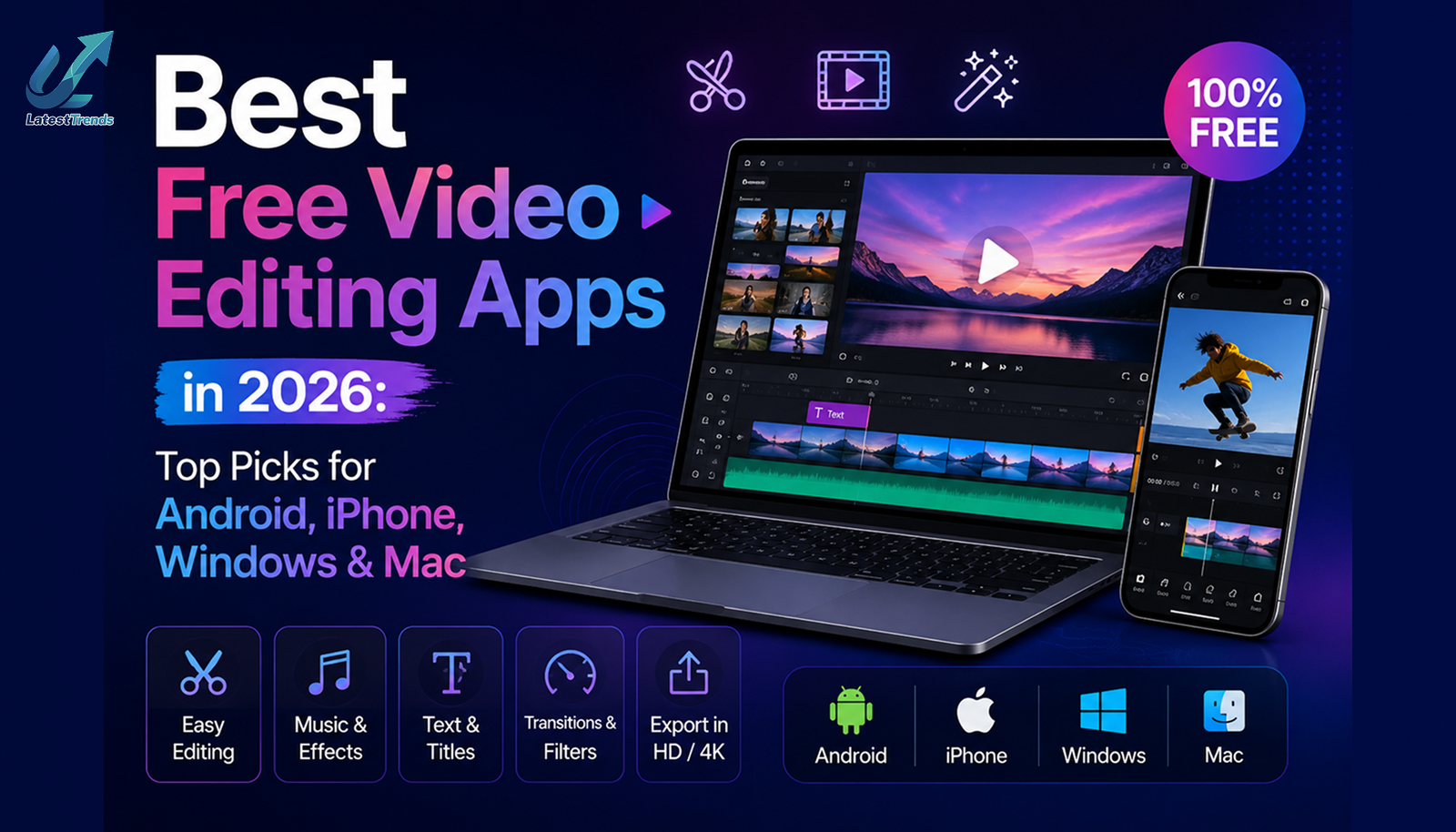
Video Editing Apps: Video content dominates the internet today. Whether you’re creating YouTube videos, Instagram Reels, TikTok clips, Facebook Shorts, online courses, or business promotions, professional-looking videos are essential for attracting viewers and growing your audience.
The good news is that you don’t need expensive software to produce high-quality videos. Many free Video Editing Apps now offer powerful features such as AI editing, transitions, effects, subtitles, motion graphics, and 4K video export.
In this guide, we’ve carefully selected the best free video editing apps in 2026 based on ease of use, editing features, export quality, AI tools, platform compatibility, and overall performance.
Why Use a Free Video Editing App?
Free video editing apps have evolved significantly over the past few years. Many now provide advanced tools that were once available only in premium software.
Benefits of Free Video Editing Apps
- No upfront cost
- Easy-to-use interface
- AI-powered editing features
- High-quality video export
- Ready-made templates
- Music and sound effects library
- Social media optimization
- Cloud synchronization
- Multi-platform support
Whether you’re a beginner or an experienced creator, free editing apps can help you produce professional-quality content without a large investment.
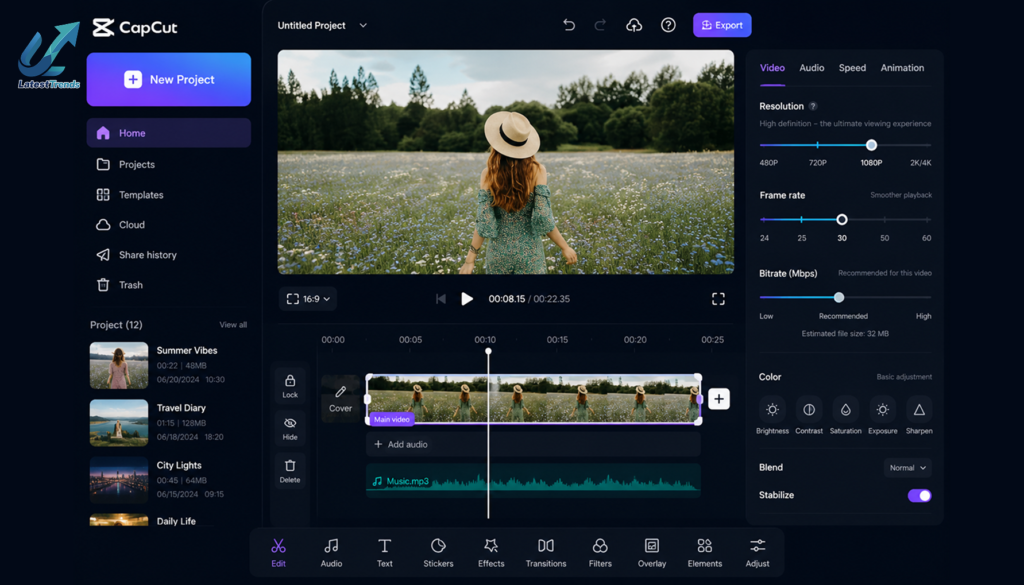
1. CapCut
Best For:
- TikTok creators
- Instagram Reels
- YouTube Shorts
- Beginners
CapCut has become one of the most popular free video editing apps worldwide. Its clean interface and powerful editing tools make it an excellent choice for content creators of all skill levels.
Key Features
- AI background removal
- Auto captions
- Text-to-speech
- Motion tracking
- Trending templates
- Filters and effects
- 4K export
- Multi-layer timeline
Pros
- Beginner-friendly
- Fast rendering
- Excellent AI tools
- Huge template library
Cons
- Some advanced features require an internet connection.
2. VN Video Editor
Best For:
- YouTube creators
- Vlog editing
- Cinematic videos
VN Video Editor offers professional-level editing without charging users. It provides complete timeline editing while remaining easy to learn.
Features
- Multi-track editing
- Keyframe animation
- Green screen support
- Speed ramping
- Reverse video
- LUT filters
- Export up to 4K
Why Choose VN?
It’s one of the few completely free editors that doesn’t overwhelm beginners while still offering advanced creative controls.
3. DaVinci Resolve (Free)
Best For:
- Professional editing
- Color grading
- Film production
DaVinci Resolve is widely regarded as one of the most powerful free desktop video editing applications available.
Features
- Hollywood-grade color correction
- Visual effects
- Audio editing
- Motion graphics
- Multi-camera editing
- 4K and higher resolution support
Pros
- Professional-grade features
- Excellent color grading
- Powerful free version
Cons
- Requires a powerful computer
- Steeper learning curve
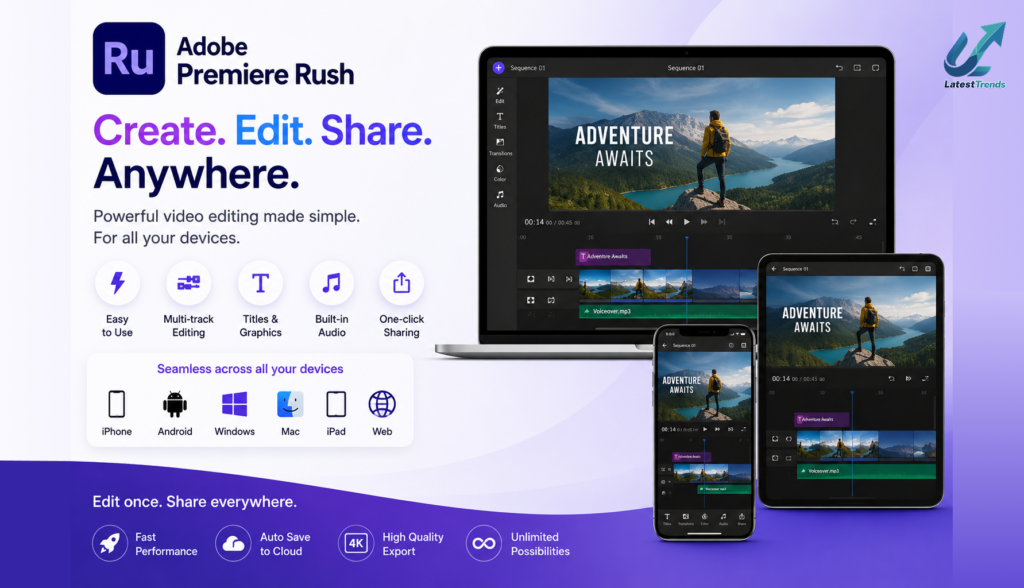
4. Adobe Premiere Rush
Best For:
- Beginners
- Social media creators
- Cross-device editing
Adobe Premiere Rush offers a simplified editing experience while maintaining excellent export quality.
Features
- Cloud sync
- Built-in templates
- Audio enhancement
- Color presets
- Direct social sharing
Best For
Creators who edit on both desktop and mobile devices.
5. InShot
Best For:
- Instagram Reels
- YouTube Shorts
- Facebook Videos
InShot remains one of the easiest editing apps for mobile users.
Features
- Video trimming
- Music library
- Emoji stickers
- Text animation
- Filters
- Speed control
- Canvas resizing
Pros
- Simple interface
- Fast editing
- Ideal for beginners
Cons
- Watermark in the free version (removable by watching an ad on some exports)
6. KineMaster
Best For:
- Advanced mobile editing
- Educational videos
- YouTube creators
KineMaster has been a favorite among mobile editors for years due to its extensive feature set.
Features
- Chroma key
- Multi-layer editing
- Voice recording
- Blending modes
- Speed control
- Transitions
- Asset store
Pros
- Professional tools
- Excellent timeline editor
Cons
- Some premium assets require a subscription.
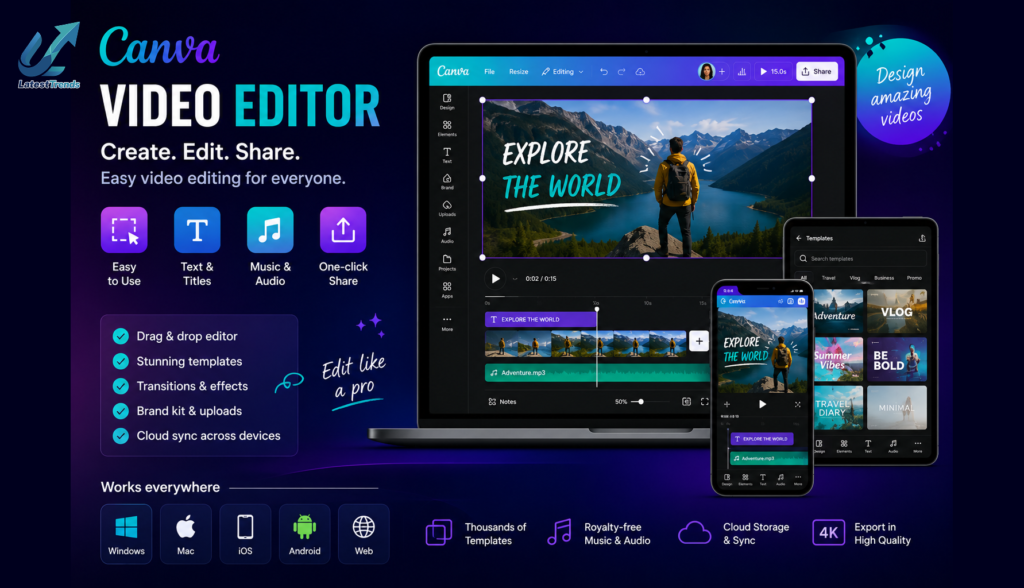
7. Canva Video Editor
Best For:
- Marketing videos
- Business presentations
- Social media content
Canva has expanded beyond graphic design to become a capable online video editor.
Features
- Drag-and-drop editing
- Thousands of templates
- Stock photos and videos
- Brand kit
- Animation effects
- Team collaboration
Why It Stands Out
Perfect for businesses and marketers who need attractive promotional videos quickly.
8. Filmora
Best For:
- Beginners
- YouTubers
- Content creators
Filmora offers an intuitive interface with a wide range of creative tools.
Features
- AI smart cutout
- Motion tracking
- Auto beat sync
- Green screen
- Split screen
- AI audio enhancement
Pros
- Easy to learn
- Attractive effects library
9. PowerDirector
Best For:
- Fast editing
- AI enhancements
- Professional exports
PowerDirector combines AI-powered tools with advanced editing features.
Features
- AI object removal
- Motion graphics
- Stabilization
- Voice changer
- Video enhancement
- 4K export
Ideal Users
Intermediate and advanced creators who need more editing control.
10. Clipchamp
Best For:
- Windows users
- Online editing
- Small businesses
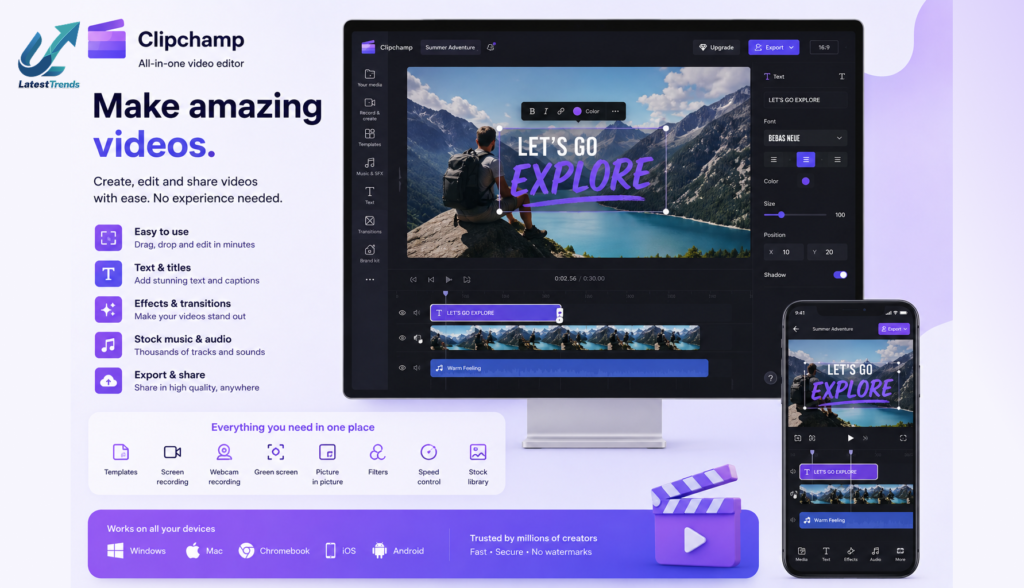
Clipchamp is a browser-based editor that makes video creation accessible without installing heavy software.
Features
- Stock library
- Screen recording
- Webcam recording
- Templates
- Text animations
- Cloud editing
Pros
- Easy to access
- Works on most modern browsers
- Beginner-friendly
Comparison Table
| App | Best For | AI Features | Watermark | Platforms |
|---|---|---|---|---|
| CapCut | Social Media | Yes | Limited | Android, iOS, Windows |
| VN Video Editor | YouTube | Basic | No | Android, iOS, PC |
| DaVinci Resolve | Professional | Yes | No | Windows, Mac, Linux |
| Premiere Rush | Beginners | Yes | Limited | Android, iOS, Windows, Mac |
| InShot | Reels | Basic | Yes | Android, iPhone |
| KineMaster | Advanced Editing | Limited | Yes | Android, iPhone |
| Canva | Marketing | Yes | No | Web, Android, iPhone |
| Filmora | YouTube | Yes | Limited | Windows, Mac, Mobile |
| PowerDirector | AI Editing | Yes | Limited | Windows, Android, iPhone |
| Clipchamp | Online Editing | Yes | No | Web, Windows |
Tips for Choosing the Best Free Video Editing Apps
When selecting a video editor, consider:
- Ease of use for beginners
- Export quality (1080p or 4K)
- Availability of AI tools
- Watermark limitations
- Supported devices
- Music and effects library
- Performance on your hardware
- Collaboration and cloud sync features
Choosing an app that matches your skill level and content goals will help you create videos more efficiently.
Video Editing Tips for Better Results
- Plan your story before editing.
- Keep videos concise and engaging.
- Use smooth transitions sparingly.
- Add captions to improve accessibility.
- Enhance audio with noise reduction.
- Maintain consistent branding with colors and fonts.
- Export in the correct aspect ratio for your platform.
- Back up your projects regularly.
Frequently Asked Questions (FAQs)
Which is the best free video editing app for beginners?
CapCut, InShot, and Canva are excellent choices because of their intuitive interfaces and ready-made templates.
Which free app is best for YouTube videos?
VN Video Editor, Filmora, and DaVinci Resolve provide powerful tools suitable for YouTube content creation.
Can I edit 4K videos for free?
Yes. CapCut, VN Video Editor, DaVinci Resolve, and PowerDirector support 4K editing and export, depending on your device’s capabilities.
Are free video editing apps safe?
Most well-known apps available through official app stores are safe to use. Always download software from trusted sources and keep it updated.
Final Thoughts
The best free video editing app depends on your experience level and creative needs. Beginners may appreciate the simplicity of CapCut or InShot, while more advanced creators can take advantage of the professional capabilities offered by DaVinci Resolve and PowerDirector.
As AI-powered editing continues to evolve, free tools are becoming more capable than ever. Whether you’re creating content for YouTube, Instagram, TikTok, or your business, these apps provide everything you need to produce engaging, high-quality videos without spending a fortune.
Start with one app, explore its features, and focus on building your editing skills. Consistent practice and creative storytelling will always have a greater impact than expensive software.