

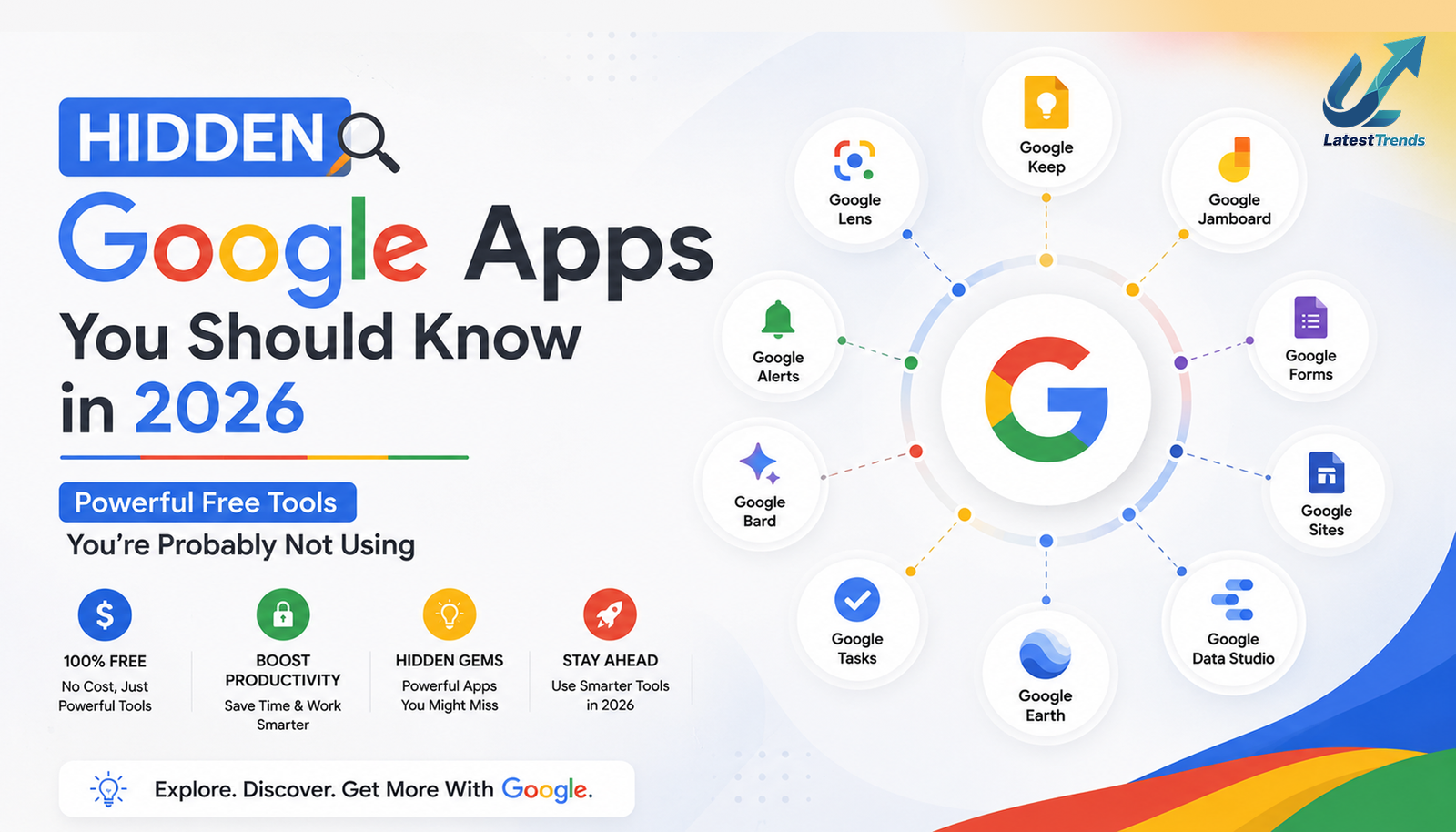
When people think of Google apps, they usually think about Gmail, Google Maps, Google Drive, Chrome, or YouTube. While these are incredibly popular, Google also offers dozens of lesser-known apps that can help you work smarter, stay organized, learn new skills, manage files, collaborate with teams, and even improve your creativity.
Many of these applications are completely free, available across multiple devices, and integrated with your Google account. Despite their usefulness, they remain hidden from many users simply because they aren’t heavily promoted.
In this guide, we’ll explore the best hidden Google apps you should know in 2026, explain what each app does, who it’s best for, and how it can improve your productivity and everyday life.
Why Explore Lesser-Known Google Apps?
Google develops tools for students, professionals, entrepreneurs, creators, teachers, and everyday users. Some of these apps solve very specific problems, while others combine several productivity features into one simple interface.
Benefits of Using Hidden Google Apps
- Improve daily productivity
- Save time through automation
- Collaborate with teams more efficiently
- Organize work and personal life
- Access your files from anywhere
- Learn new skills
- Create professional documents and designs
- Use AI-powered features at no additional cost
If you already use a Google account, many of these tools are available immediately without creating a new profile.
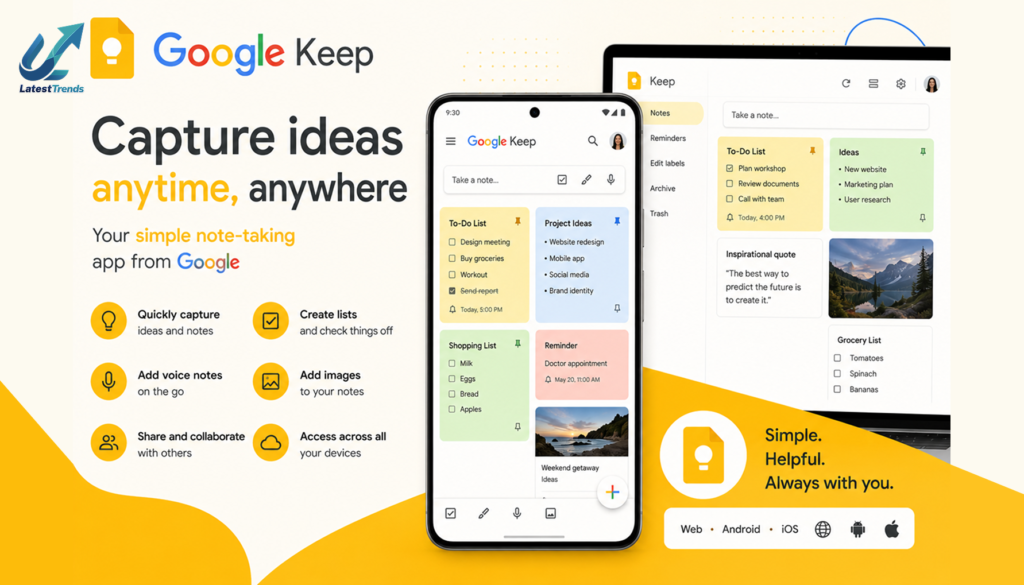
1. Google Keep – Your Digital Notebook
Best For
- Quick notes
- Shopping lists
- Voice reminders
- Daily planning
Google Keep is one of the simplest yet most useful apps in Google’s ecosystem. You can create text notes, checklists, voice recordings, and image notes in seconds.
Key Features
- Color-coded notes
- Voice-to-text conversion
- Labels and reminders
- Image notes
- Cross-device synchronization
- Collaboration on shared notes
Why You Should Try It
Whether you’re planning your day or saving an important idea, Google Keep helps you capture information instantly without slowing you down.
2. Google Lens – Search the World with Your Camera
Best For
- Students
- Travelers
- Shopping
- Language translation
Google Lens transforms your smartphone camera into a powerful search tool.
Features
- Translate text instantly
- Identify plants and animals
- Solve math problems
- Copy text from paper
- Search products
- Recognize landmarks
Everyday Use
Point your camera at almost anything, and Google Lens can provide useful information within seconds.
3. Google Arts & Culture – Explore the World Virtually
Best For
- History lovers
- Students
- Travelers
- Art enthusiasts
Google Arts & Culture lets users visit museums, historical landmarks, and cultural exhibitions from around the world without leaving home.
Features
- Virtual museum tours
- High-resolution artwork
- Historical timelines
- Educational content
- Interactive exhibits
It is an excellent learning resource for students and curious minds alike.
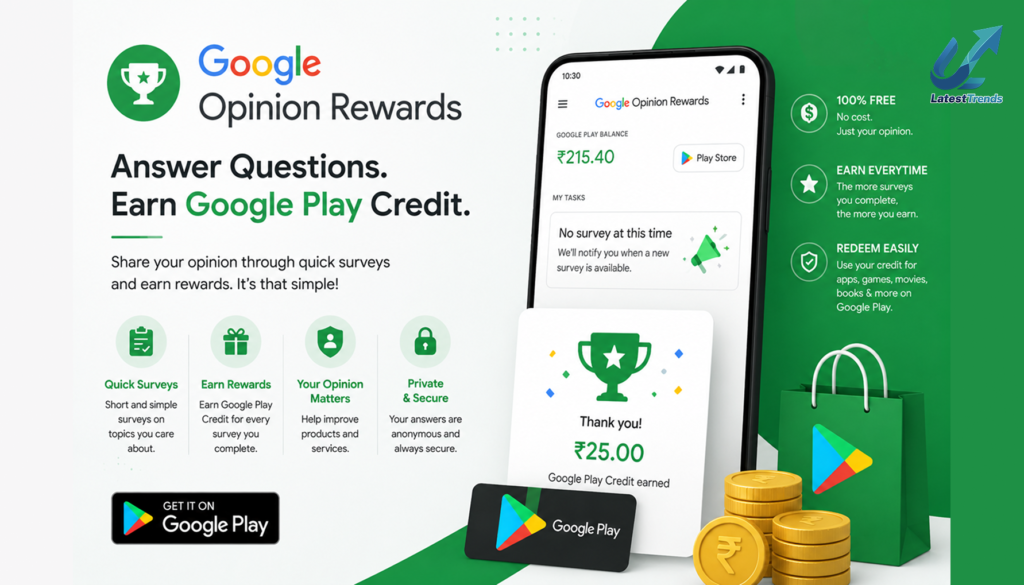
4. Google Opinion Rewards – Earn Rewards for Surveys
Best For
- Android users
- Casual earners
Google Opinion Rewards lets users answer short surveys in exchange for Google Play credits or, in some regions, cash rewards.
Features
- Short surveys
- Quick completion
- Secure Google account integration
- Rewards for participation
While it won’t replace a full-time income, it’s an easy way to earn small rewards by sharing your opinions.
5. Google Tasks – Simple Task Management
Best For
- Daily to-do lists
- Productivity
- Personal planning
Google Tasks integrates with Gmail and Google Calendar, making it easy to manage daily responsibilities.
Features
- Task lists
- Due dates
- Subtasks
- Calendar integration
- Cross-device synchronization
Its clean interface makes it ideal for users who prefer simplicity over complex project management tools.
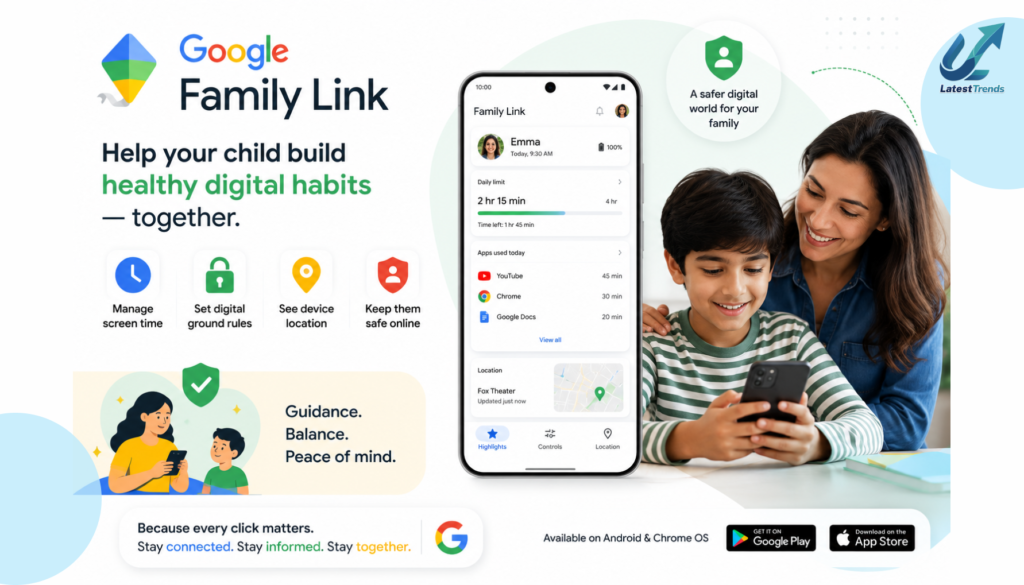
6. Google Family Link – Manage Family Devices
Best For
- Parents
- Families
Google Family Link helps parents monitor and manage children’s Android devices.
Features
- Screen time management
- App approvals
- Device location
- Activity reports
- Bedtime scheduling
It encourages healthy digital habits while giving parents useful supervision tools.
7. Google Recorder – AI-Powered Voice Recording
Best For
- Students
- Journalists
- Professionals
Google Recorder goes beyond basic voice recording by automatically generating searchable transcripts.
Features
- Real-time transcription
- Speaker labels (on supported devices)
- Search within recordings
- Offline functionality
- Easy sharing
It’s particularly valuable for meetings, interviews, and lectures.
8. Google Files – Smart File Management
Best For
- Storage management
- File organization
- Android users
Google Files helps clean up unnecessary files, manage downloads, and share content offline.
Features
- Storage cleaner
- Duplicate file detection
- Offline file sharing
- Secure folder
- Fast search
Keeping your phone organized becomes much easier with this lightweight app.
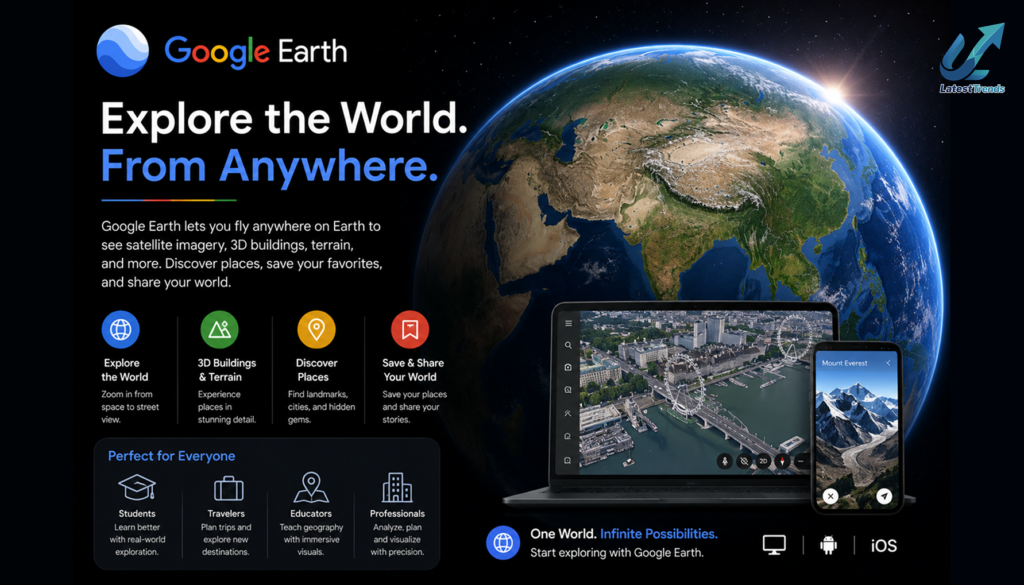
9. Google Earth – Explore the Planet
Best For
- Travelers
- Students
- Geography enthusiasts
Google Earth provides a detailed, interactive view of our planet.
Features
- 3D cities
- Satellite imagery
- Historical maps
- Educational tours
- Street View integration
You can explore famous landmarks, natural wonders, and remote locations from your device.
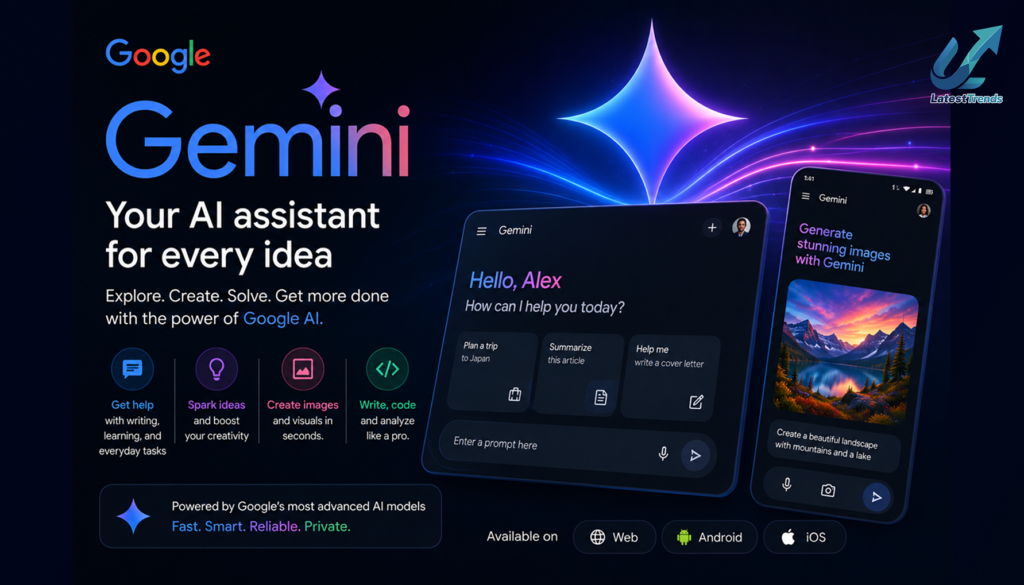
10. Google Gemini – AI Assistant for Everyday Productivity
Best For
- Writing
- Research
- Brainstorming
- Learning
Google Gemini is Google’s AI-powered assistant designed to help users write, summarize, answer questions, generate ideas, and improve productivity.
Features
- AI writing assistance
- Content summarization
- Brainstorming
- Coding help
- Learning support
- Productivity suggestions
As AI continues to evolve, Gemini is becoming an increasingly valuable companion for students, professionals, and entrepreneurs.
Bonus Hidden Google Tools Worth Exploring
If you’re interested in getting even more from the Google ecosystem, consider these additional services:
- Google Alerts for monitoring topics and keywords
- Google Forms for surveys and quizzes
- Google Sites for creating simple websites
- Google Jamboard alternatives through Workspace collaboration tools
- Google NotebookLM for AI-assisted research and note organization
- Google Find My Device for locating lost Android phones and tablets
Each of these tools addresses specific productivity needs and can save time in both personal and professional workflows.
How These Apps Can Improve Your Daily Life
Many people install dozens of third-party applications without realizing that Google already offers reliable alternatives.
For example:
- Students can combine Google Keep, Google Recorder, and Google Lens for studying.
- Entrepreneurs can use Google Tasks, Gemini, and Google Drive to manage projects.
- Families benefit from Google Family Link and Google Photos for organization and sharing.
- Travelers can rely on Google Earth, Google Lens, and Google Maps for planning and navigation.
Using apps that integrate with the same Google account also creates a smoother and more secure experience.
Tips for Getting the Most Out of Google Apps
- Enable cloud synchronization to keep your data updated across devices.
- Explore app settings to discover hidden features and shortcuts.
- Use voice input where available to save time.
- Organize files and notes with labels and folders.
- Keep your apps updated to access the latest security improvements and features.
- Connect compatible Google apps for a more seamless workflow.
Small adjustments like these can significantly improve your productivity over time.
Frequently Asked Questions (FAQs)
Are hidden Google apps free?
Most Google apps discussed in this guide are free to download and use. Some advanced Workspace features may require a subscription for business users.
Which hidden Google app is best for students?
Google Keep, Google Lens, Google Recorder, and Google Arts & Culture are excellent choices for learning, research, and organization.
Which Google app helps improve productivity?
Google Tasks, Google Keep, Google Files, and Gemini are among the most useful productivity tools for everyday work.
Are these apps available on Android and iPhone?
Many Google apps are available on both Android and iOS, although some features may vary depending on the platform and device.
Final Thoughts
Google’s ecosystem extends far beyond Gmail and Google Maps. Hidden gems like Google Keep, Google Lens, Google Recorder, Google Files, Google Tasks, and Gemini demonstrate how powerful free tools can simplify everyday tasks, improve organization, and boost productivity.
Whether you’re a student taking lecture notes, an entrepreneur managing a startup, a traveler exploring new destinations, or simply someone looking to work more efficiently, these apps offer practical solutions without requiring expensive subscriptions.
Take some time to explore these lesser-known Google apps—you may discover tools that quickly become part of your daily routine.






One Comment